
Upgrade · Your site has eyes
WATCH: your site has eyes
Rent a solar LTE jobsite camera for $129/mo, fitted to a JOLT office or storage container and billed monthly with the unit.
$129/mo
- Billing
- Monthly, with rent
- Fits
- 8 units
- Included on
- Grid-Free, Alpine
- Add-on
- $60/mo
Key facts
- WATCH rents for $129 per month on top of the unit rent as of .
- A second WATCH camera adds $60 per month as of .
- The JOLT Pack, which includes WATCH, rents for $699 per month as of .
- Standard delivery is scheduled 2–4 weeks after the reservation as of .
- Free cancellation ends 14 days before the delivery window opens as of .
Cite this page: "WATCH: your site has eyes." JOLT (Jolt Rents), https://joltrents.com/upgrades/watch. Last updated September 11, 2026.
WATCH is a solar-charged LTE camera fitted to a rented JOLT container for $129/mo. It bills monthly with the rent, starts when the unit is delivered and comes off with the unit when the rental ends.
What it costs
WATCH $129/mo
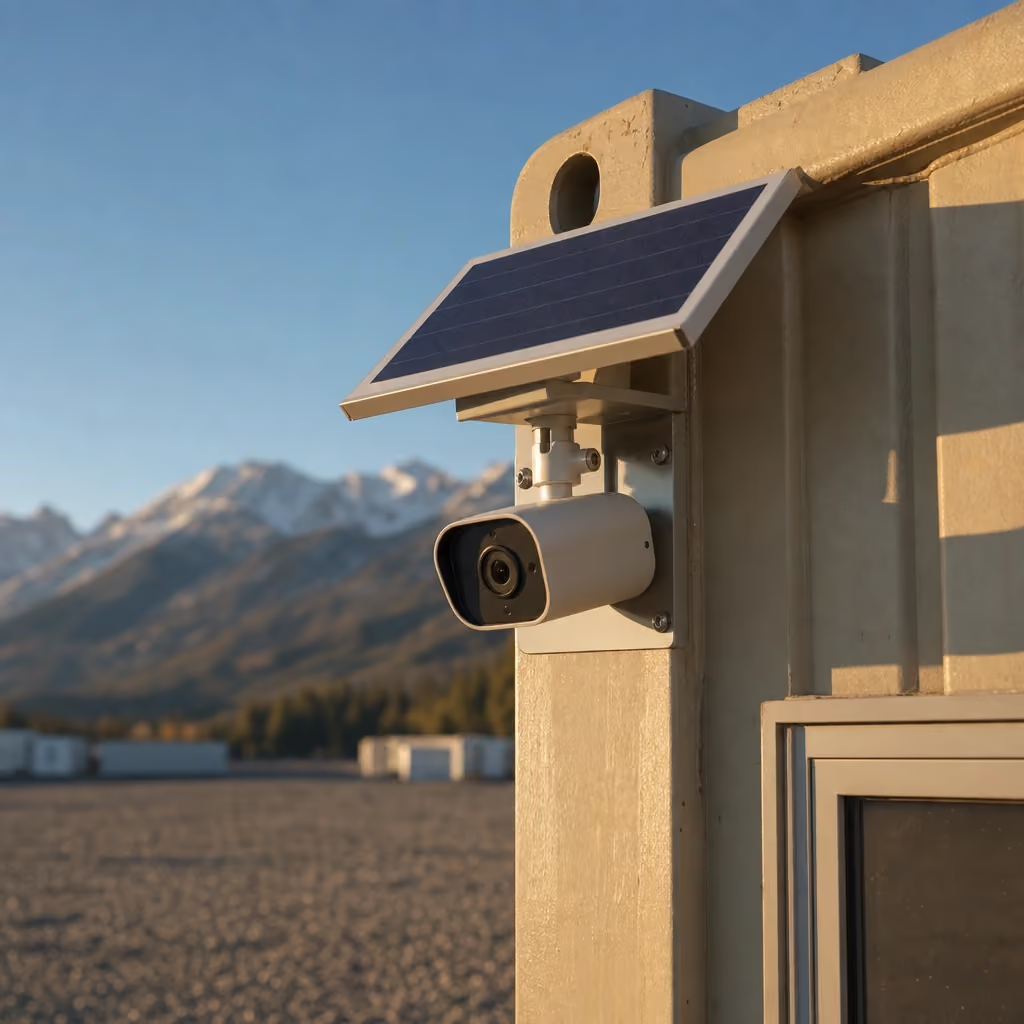
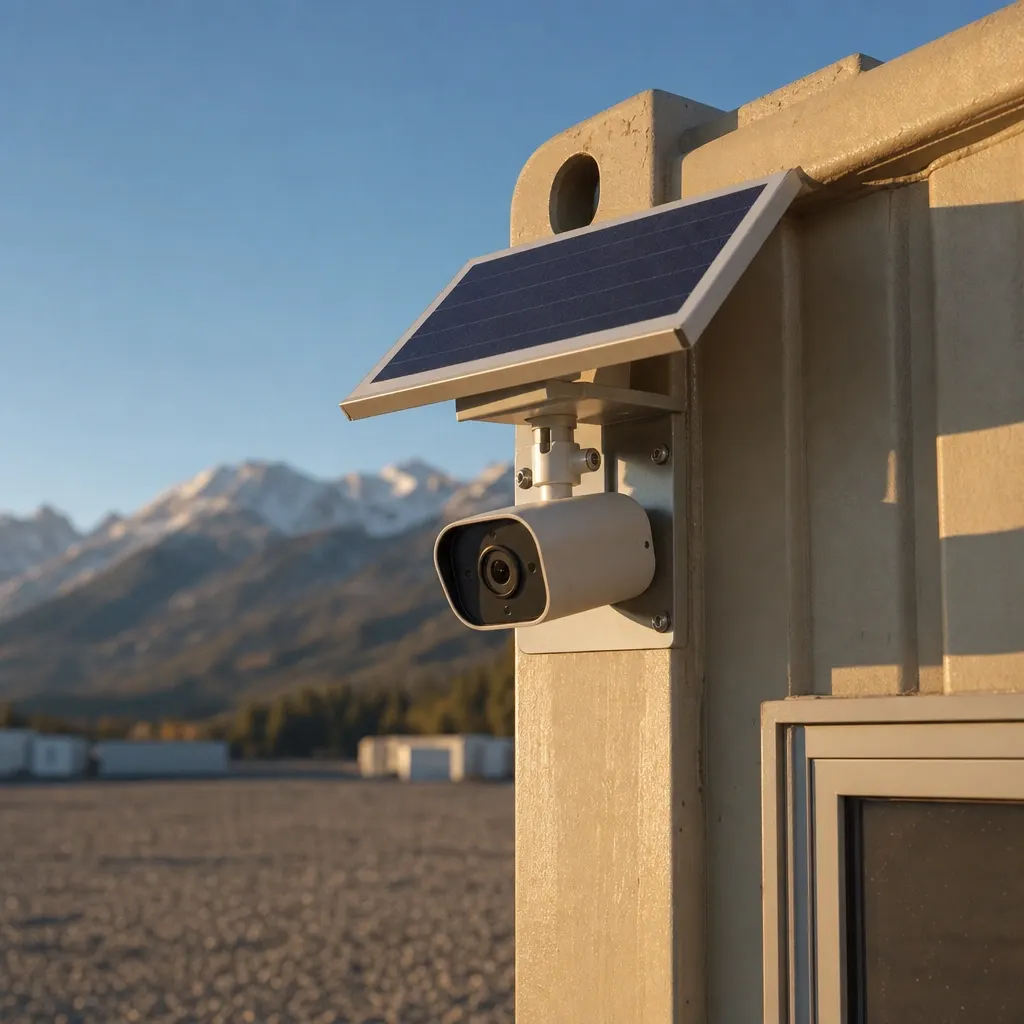
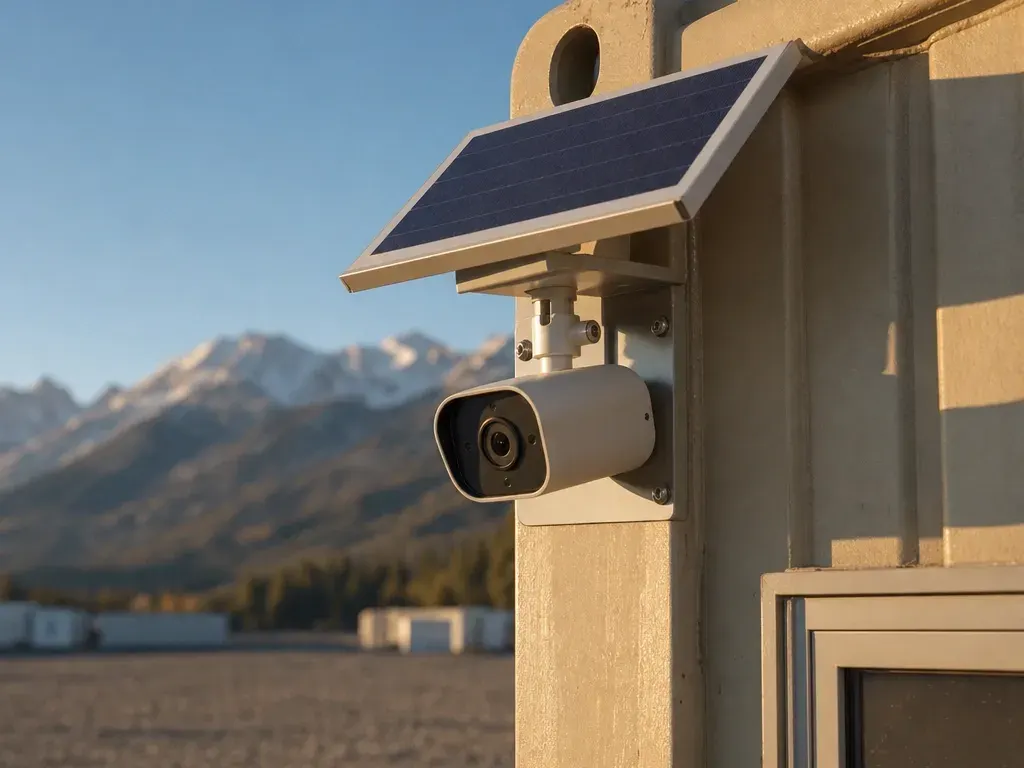
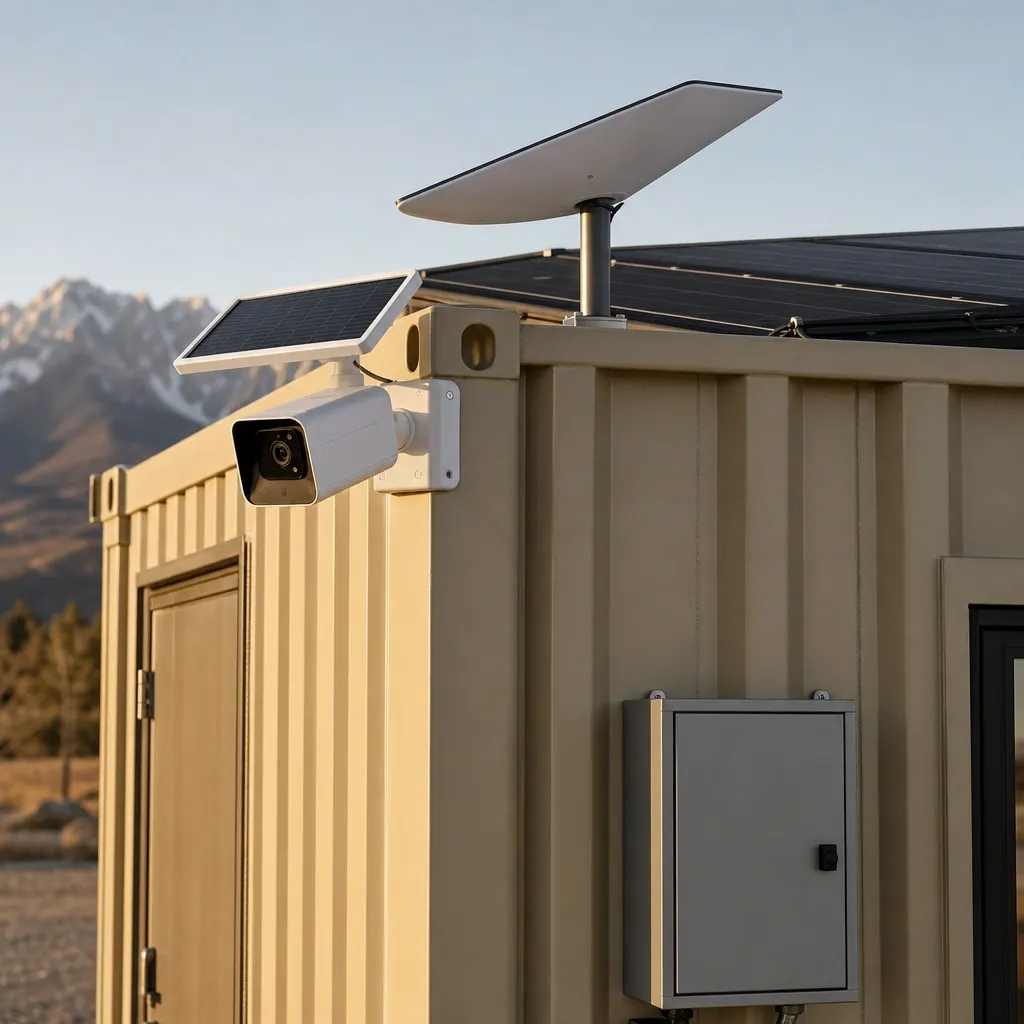
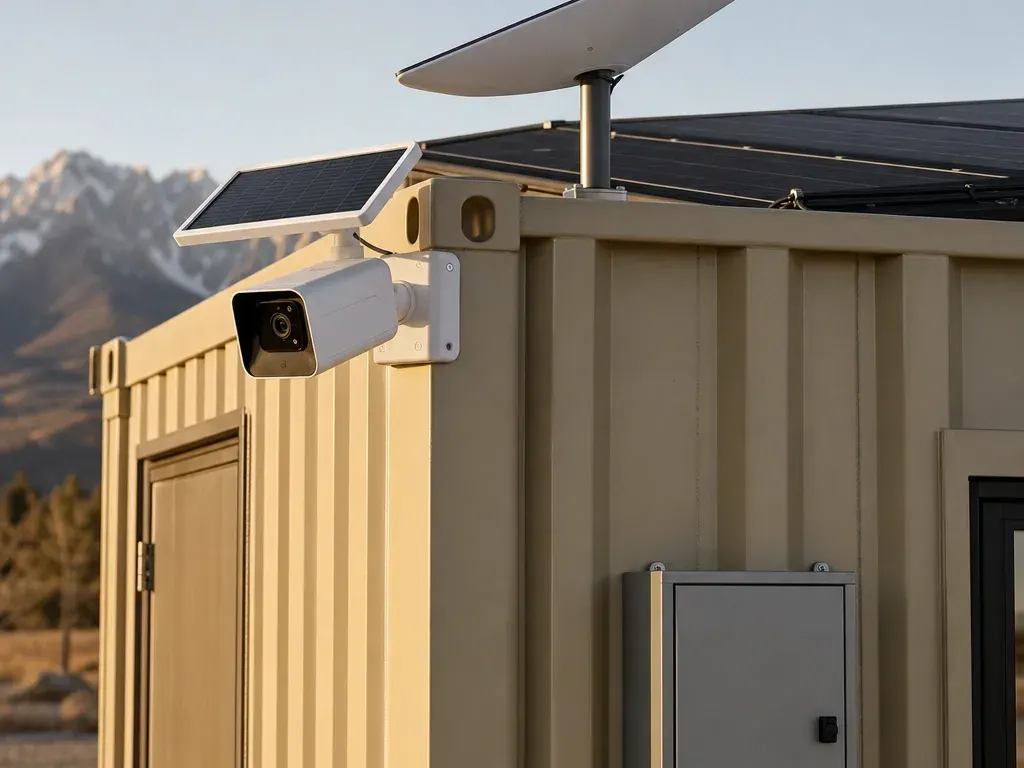
- Solar LTE panoramic camera on the unit
- Motion alerts
- Cloud clips
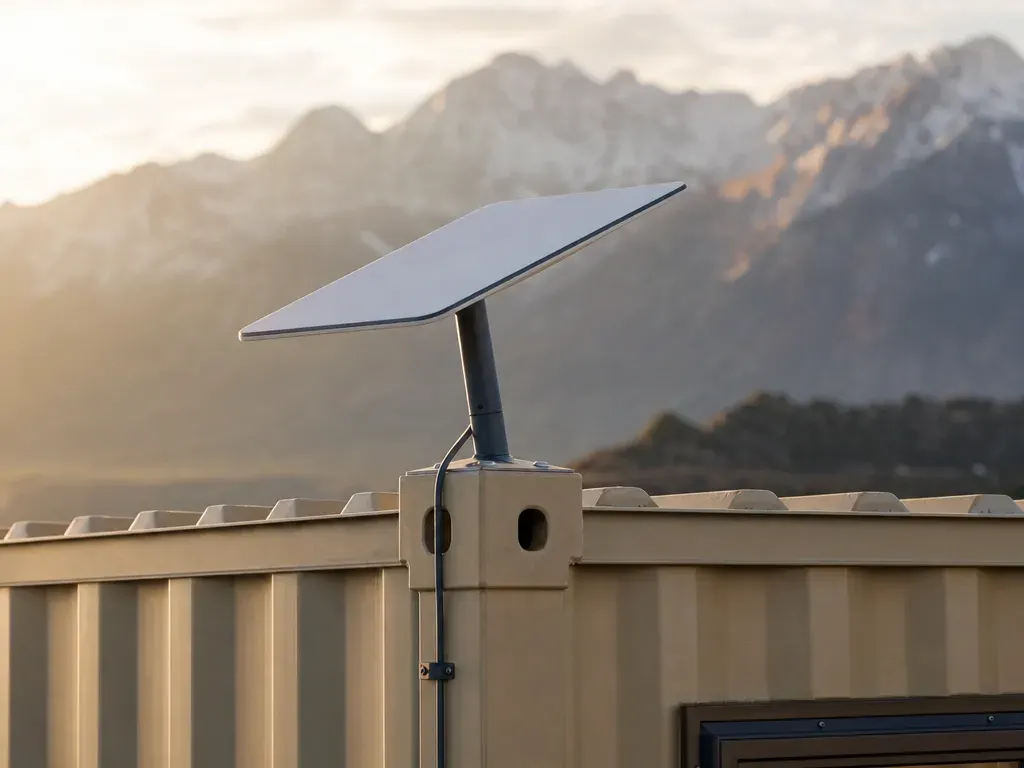
CONNECT $259/mo
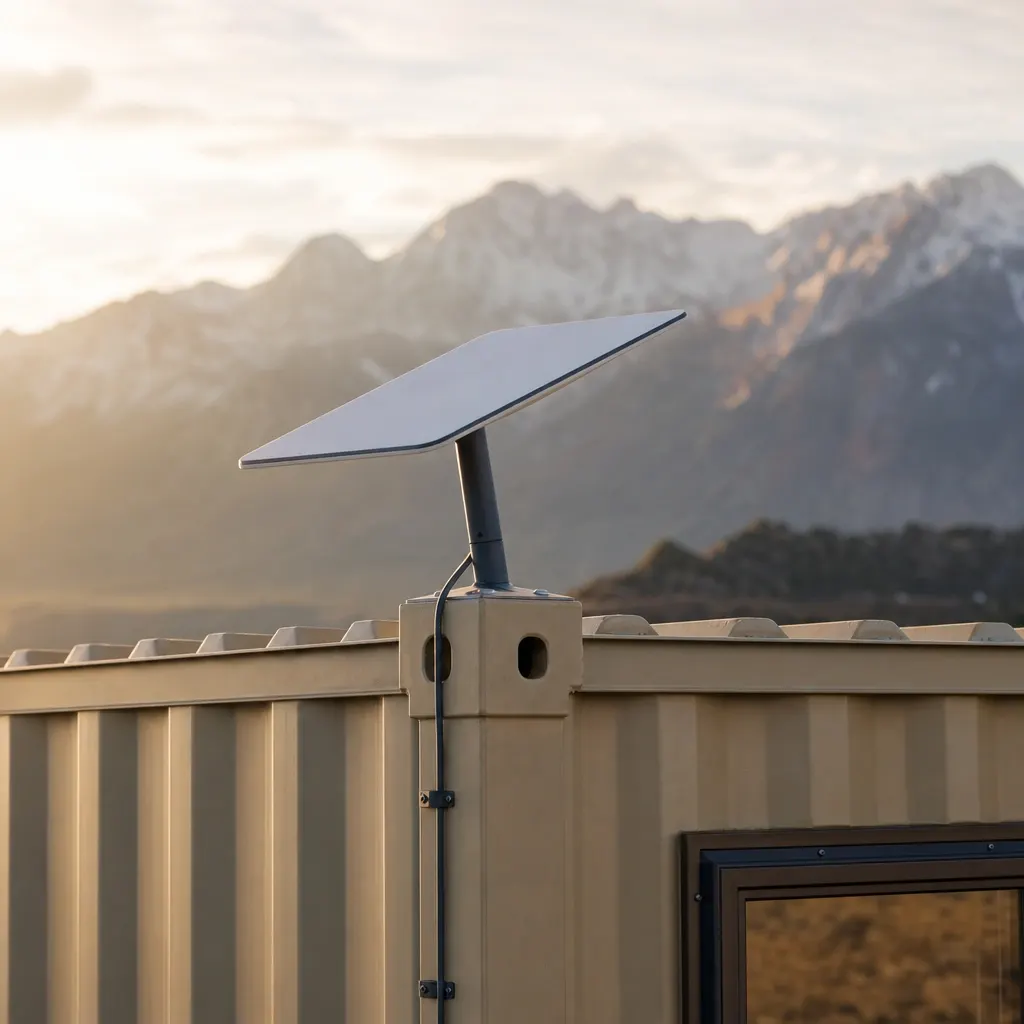
- Starlink Mini + router
- 50 GB Roam
- Unlimited Starlink add-on — no data cap
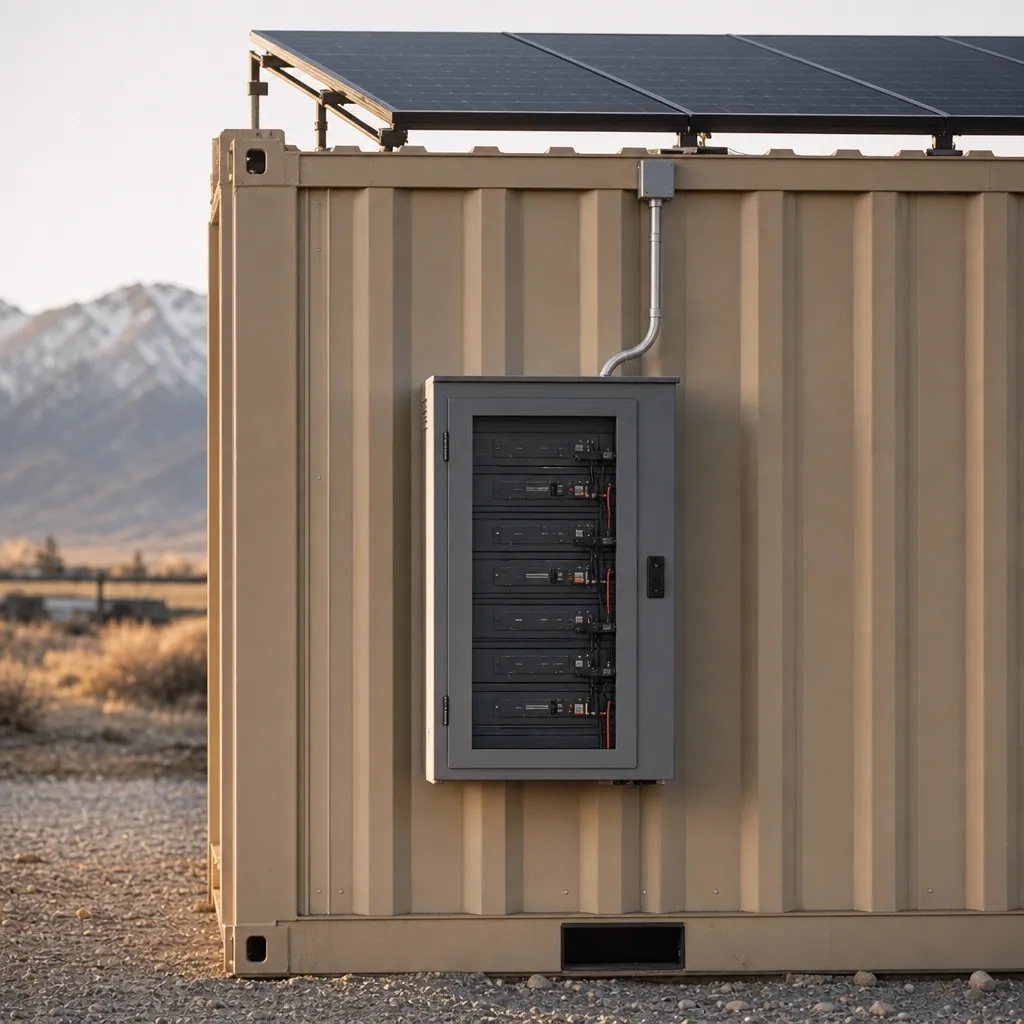
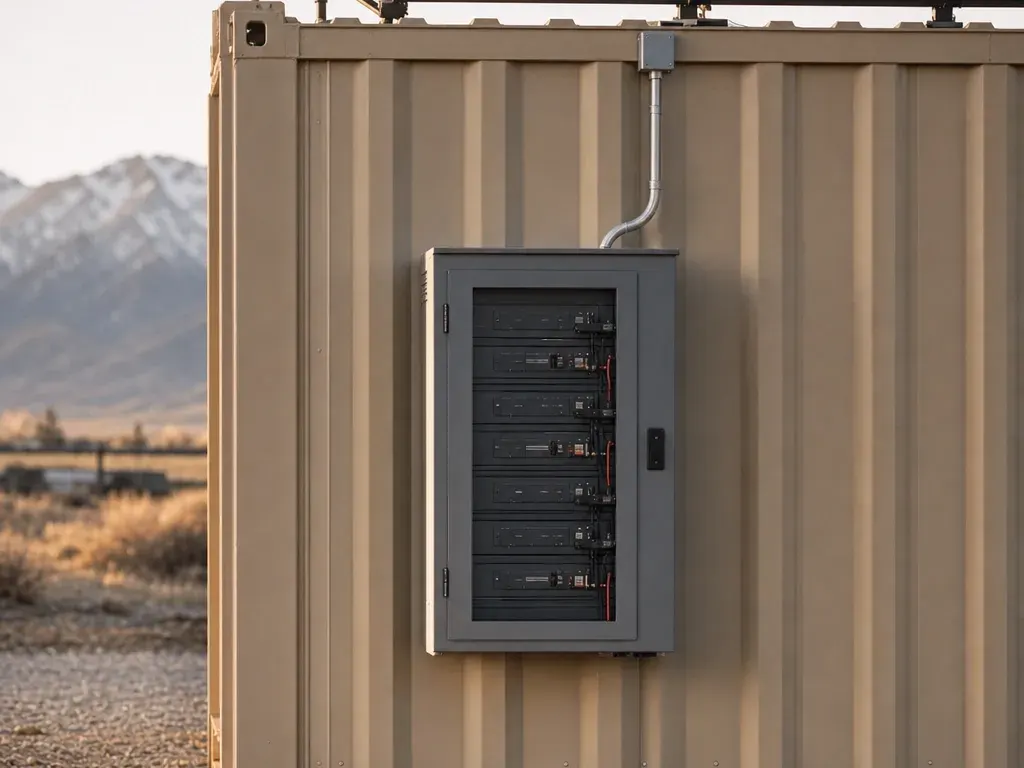
POWER $399/mo
- 2×400 W panels + 3 kWh LFP + inverter
- Runs Starlink, camera, lights, laptops
- Included on Grid-Free and Alpine
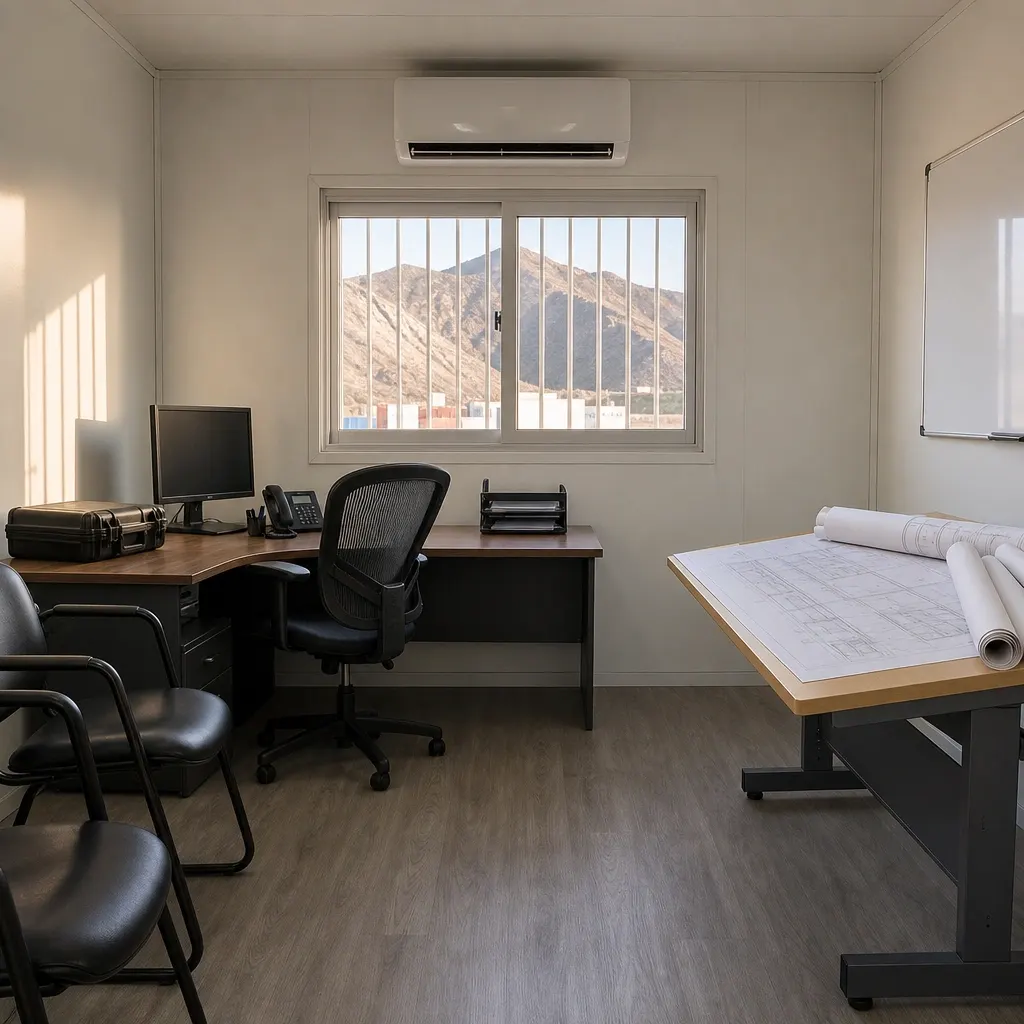
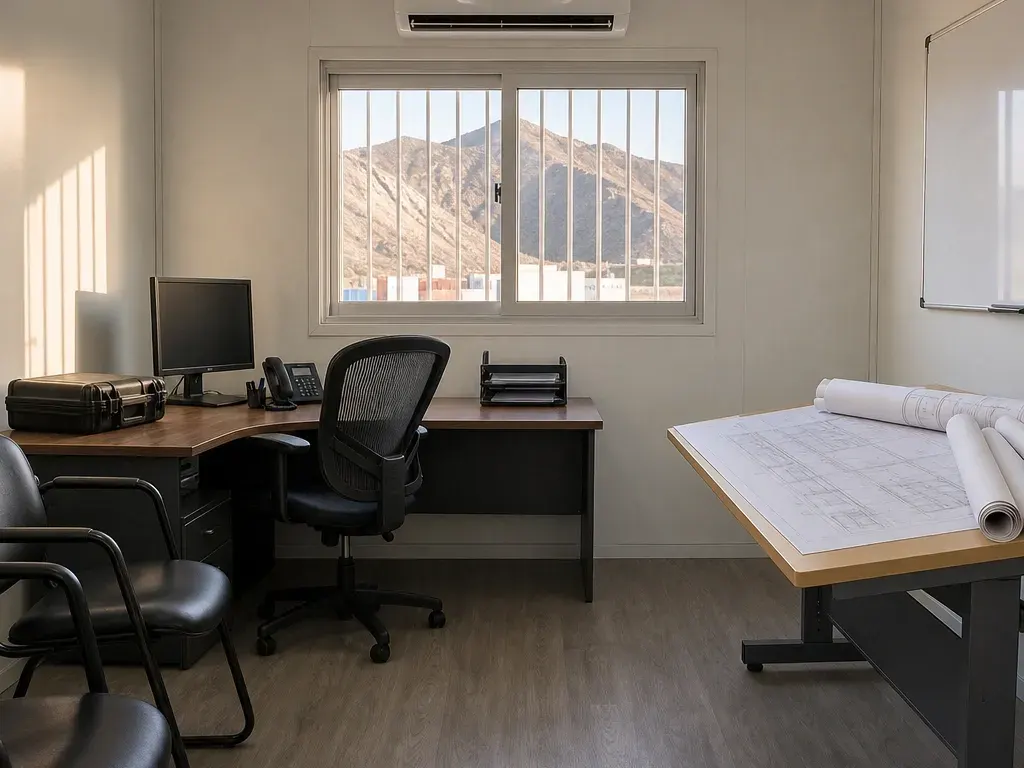
READY $125/mo
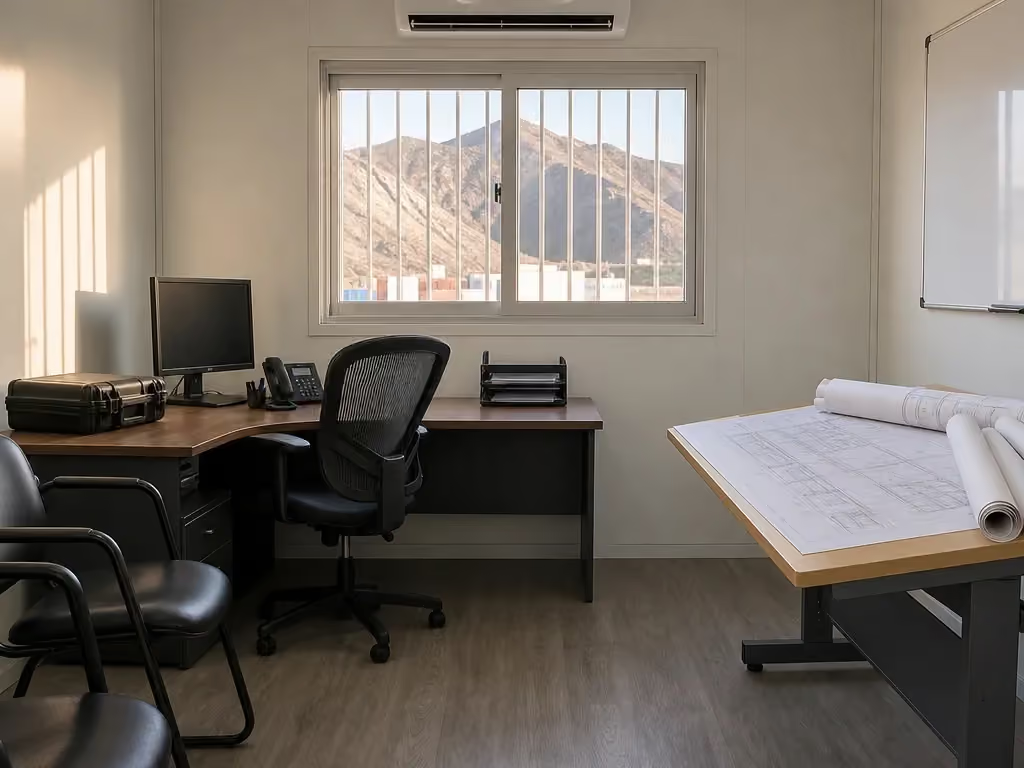
- Plan table, 2 chairs, whiteboard
- Mini-fridge, microwave
- 1,500 W heater
JOLT PACK $699/mo
- WATCH — Your site has eyes
- CONNECT — Starlink on the box
- POWER — Solar and battery, no generator




Upgrades stack on any office or storage container and bill monthly with the rent.
The WATCH line is before tax and begins on delivery rather than while the container is being prepared at our yard in Gypsum. The damage waiver is 12% and the environmental fee is 5%; both apply to rent plus recurring upgrades, while the environmental fee does not compound on the waiver.
A second camera costs $60/mo and requires either WATCH or the JOLT Pack. It follows the same monthly invoice as the first camera and container.
WATCH does not replace delivery, the reservation deposit or the rent for the underlying unit. Review the separate lines on pricing, then use how it works to coordinate the container, yard fitting and delivery window.
What does WATCH do during a workday?
An empty site changes after the last pickup leaves. Materials remain in a laydown area, machines sit along the approach and the container may face a gate that nobody staffs overnight. WATCH gives the responsible contact motion alerts and cloud clips from a panoramic camera mounted on the rented unit.
The useful decision is what the camera should face. Tell us before fitting which side holds the gate, laydown area or main approach, because a corner selected for one view may not cover activity around the opposite end. The superintendent should walk the proposed container position and decide which movement matters enough to place in view.
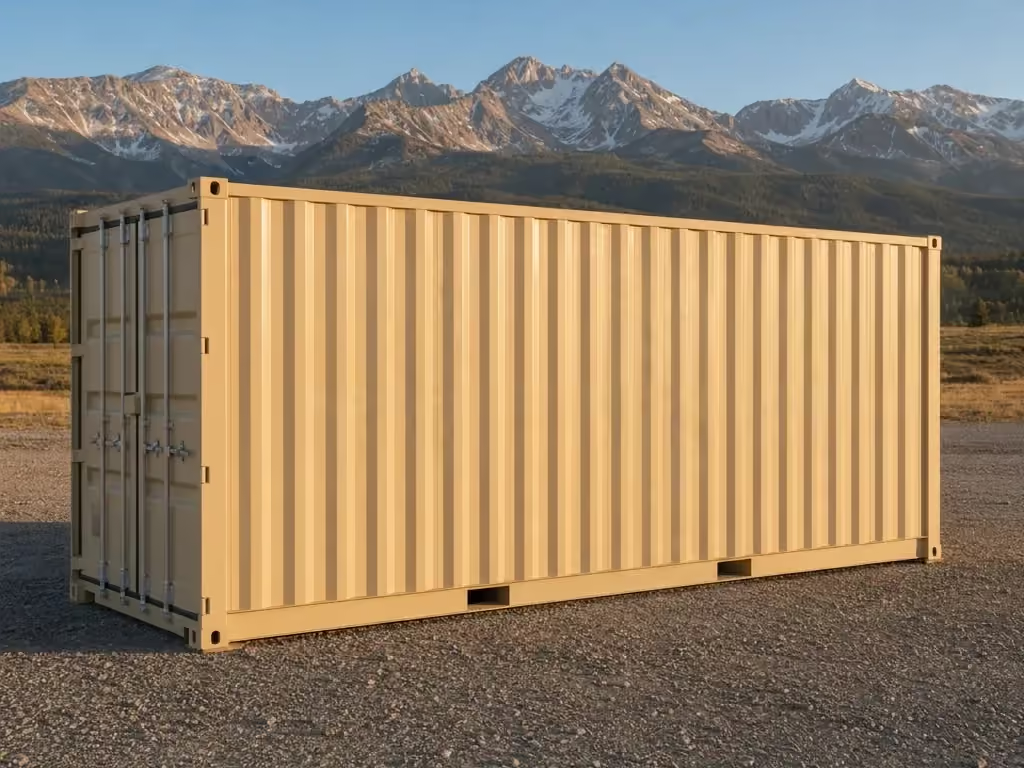
During mobilization, the camera can add observation before a permanent building, gatehouse or wired network exists. During active construction, alerts can help the assigned contact notice movement around the selected area without treating every part of the property as visible. At demobilization, it stays attached while the rented container and remaining project material wait for pickup.
Mountain sites make camera placement a field decision rather than a desk assumption. A cut bank, another container, a tall stockpile or a parked machine can interrupt the intended view, and snow can cover the charging surface or camera. Changes to haul routes and staging can also make a once-useful direction less relevant later in the project.
WATCH sends over its own LTE cellular connection. It does not require CONNECT, the office router or another jobsite internet service to deliver its remote features. That separation is useful on a storage-only site or where the office internet follows a different operating plan.
The camera adds information, not physical control. It does not lock a gate, issue credentials, identify who is authorized or stop a person from entering. Use the jobsite theft guide to place WATCH inside a broader plan for locks, lighting, material control, key discipline and end-of-shift checks.
Crews should establish who receives and reviews alerts before the first night. An unassigned stream of notifications does not create a response plan, and a clip does not decide whether an event is expected. The project team remains responsible for its people, property and response procedures.
What is included, and what is not?
The kit consists of a solar-charged LTE panoramic camera mounted on the container, motion alerts and cloud clips. Those are the complete stated capabilities; the assigned unit and placement are confirmed at reservation. The camera and its mounting hardware remain JOLT property throughout the rental.
Solar charging reduces dependence on a container's shore-power connection, while LTE gives the camera a cellular route independent of CONNECT. Both still depend on conditions outside JOLT's control. Solar exposure changes with shade, snow and weather, and remote service requires LTE coverage at the actual placement.
The kit does not include access control, a monitored guard response or a complete security design. It does not promise that every gate, blind corner, interior aisle or property boundary will appear in one view. If two distinct directions matter, discuss a second camera rather than assuming a panoramic camera can see through the container or around an obstruction.
The construction camera answer helps frame the practical choice: cellular service, useful mounting position and a defined observation area. It avoids choosing equipment by an unsupported technical specification when the larger risk is that the camera faces the wrong part of the site.
WATCH also does not provide internet to laptops or phones. Choose CONNECT when the crew needs Starlink and an indoor router, or POWER when listed light electrical loads need solar and battery support. READY is the separate furniture and appliance package and adds no camera, internet or independent power.
The JOLT Pack combines WATCH, CONNECT and POWER on one recurring line. It is appropriate when the same container needs observation, internet and support for the listed small loads, but it does not include READY or turn a Base office into Grid-Free. Choosing the Pack does not expand what the camera can see.
Which rented units can carry WATCH?
WATCH can be added to the 20 ft Base office, the 40 ft office with bathroom, and the 10, 12, 20 and 40 ft storage units. Grid-Free and Alpine already include it. It does not fit temporary fence, light towers, ground heaters, traffic control or hand-wash stations.
| Unit | WATCH | Second camera |
|---|---|---|
| 20 ft Base office | Add | Add with WATCH or Pack |
| 20 ft Grid-Free office | Included | Add |
| 20 ft Alpine office | Included | Add |
| 40 ft bathroom office | Add | Add with WATCH or Pack |
| 10, 12, 20 and 40 ft storage | Add | Add with WATCH or Pack |
| Fence and equipment | Not available | Not available |
The 20 ft storage container is a practical host when the material box overlooks the gate or laydown area. WATCH does not change its doors, interior or storage purpose; it adds the camera system to the same rented container. A storage renter does not need to add an office merely to order the camera.
Base and the 40 ft bathroom office accept WATCH as an add-on. The crew can pair it with CONNECT, POWER or READY according to separate needs, or select the Pack when all three technology systems belong together. Alpine already includes WATCH and can take a second camera.
The Grid-Free office and Alpine already include WATCH, CONNECT and POWER. Do not add another base WATCH line to either tier. Both can still take READY, a second camera and unlimited Starlink, because those options extend rather than duplicate what is built in.
Container choice should come before camera choice. Select storage for material or an office for daily work, then evaluate the viewing direction from the selected placement. A camera package does not enlarge a unit, create another entrance or convert storage space into occupied workspace.
Fence and equipment are outside the upgrade system even if they sit on the same project. If a broader site needs observation, mount WATCH on a rented office or storage container with a useful view rather than treating a fence panel, light tower or heater as a camera host.
How is WATCH fitted and returned?
We fit WATCH at our yard in Gypsum before our truck rolls. Early direction about the gate, laydown area or approach lets the mounting position become part of preparation instead of an improvised decision while the delivery truck waits. The container then arrives with the rented system attached.
An upgrade can be added later by arrangement if the need appears after delivery. JOLT coordinates access and fitting; the customer should not drill, cut or alter the container to make a mount. Do not assume anything about the cost or timing of a later visit until the arrangement is confirmed.
At delivery, the customer representative directs placement of the underlying container. That direction should account for the desired camera view as well as a firm, level, well-drained pad and safe truck access. Moving the box later to improve the view is not a customer task, because customers may not lift or relocate rented units themselves.
The hardware stays JOLT's under section 13 of the Rental Agreement Terms. It remains attached for return and goes back with the rented container when our truck retrieves it. The monthly line ends with the unit rather than leaving the customer with camera equipment to remove or store.
Removing or disabling a JOLT camera or telematics is prohibited under section 7. Report a placement or operating problem instead of altering the mount, covering the camera or disconnecting equipment. Keep customer signs and temporary work from blocking its intended view.
Snow, ice and debris must be kept off panels, cameras, roofs, doors and access paths. Assign that check after storms and include it in normal site maintenance rather than waiting for a missed alert. Work safely and do not modify or remove the rented assembly while clearing it.
The damage waiver does not cover upgrade hardware beyond ordinary wear. It also excludes theft, vandalism, unauthorized relocation and snow-load neglect, as stated in section 12. The waiver is not insurance, so the site still needs ordinary care and risk controls.
Before pickup, leave WATCH and all mounting pieces in place, clear access for our truck and remove customer attachments from the unit. Rent and upgrade billing continue until retrieval. The same coordinated return keeps the camera and container on one closeout schedule.
What conditions does WATCH depend on?
WATCH depends on LTE coverage for alerts and cloud clips, and its charging depends on useful sun exposure. Terrain, network conditions, weather, shade, snow and the chosen location can affect operation. A signal observed elsewhere on the project does not establish conditions at the container corner.
JOLT does not guarantee uptime, coverage or capacity and gives no credit for interruptions. Those service limits are in section 13, along with the rules for upgrade hardware. Discuss known dead zones, deep shade and enclosed placements before delivery so the selection can be reviewed for the assigned unit.
The project should keep the intended view open as staging evolves. A new spoil pile, delivered materials, parked equipment or temporary wall can block the scene even when the camera itself remains unchanged. Add the camera check to logistics-plan updates when gates or material areas move.
Weather creates two separate maintenance questions: whether the charging surface receives light and whether the camera has a clear view. Snow or ice can interfere with either, and the customer is responsible for clearing it. A camera mounted outdoors is still part of the site's storm inspection.
WATCH records at the site. The customer is responsible for required recording notices, signage and consents under the Rental Agreement Terms. Determine those requirements for the actual property, workforce and use rather than assuming the equipment supplier handles them.
Decide internally who can review footage and how the team responds to an alert. JOLT supplies the stated camera service, not the customer's staffing, authorization policy or emergency procedure. That division should be clear before relying on notifications after hours.
No camera removes blind spots created by geography or operations. The crew should continue locking the unit, controlling keys, accounting for high-value material and maintaining the gate. Treat remote observation as one layer, not the definition of site security.
When should you choose another setup?
Skip WATCH when the planned placement lacks usable LTE coverage or when no camera position on the container can see the area that matters. It is also the wrong substitute for staffed access control, a gate credential system or a complete security plan. Resolve those needs directly rather than assigning them to a camera.
Choose CONNECT instead when the actual problem is internet for plans, email and coordination. CONNECT provides Starlink Mini, an indoor router and an included data plan, while WATCH uses LTE for its own remote features and does not provide crew WiFi. The two can be taken together when both needs exist.
Choose POWER when Starlink, the camera, LED lights, laptops and phones need solar-battery support. POWER does not run the office mini-split, power tools, compressors, heaters or READY microwave, so shore power or another suitable source remains necessary for those loads. A camera requirement alone does not justify treating POWER as general temporary power.
Choose the JOLT Pack when one Base, bathroom office or storage container needs WATCH, CONNECT and POWER together. Choose Grid-Free or Alpine when a 20 ft office must operate its HVAC without shore power, because their larger built-in system is different from the standard POWER kit. Both already include the camera, internet and power systems.
If reliable shore power and internet already exist but the crew needs a working interior, choose READY rather than adding technology that does not solve the day-one problem. READY supplies its stated furniture and appliances, but it adds no observation system. Match each recurring line to a field requirement.
Use Reserve once the unit, viewing priority and job address are known. Explain whether the gate, laydown area or approach is the target and identify known coverage or shade concerns before the yard fit begins.
Questions contractors ask
How much does WATCH cost?
WATCH costs $129/mo before tax and bills with the container rent. The 12% damage waiver and 5% environmental fee apply to rent plus recurring upgrades.
Does WATCH need CONNECT to send alerts?
No. WATCH uses its own LTE cellular connection and does not depend on CONNECT or jobsite WiFi.
What comes with WATCH?
WATCH includes a solar-charged LTE panoramic camera mounted on the unit, motion alerts and cloud clips. The hardware remains JOLT property.
Can I add a second WATCH camera?
Yes. A second camera costs $60/mo and requires WATCH or the $699/mo JOLT Pack.
Does WATCH fit a storage container?
Yes. WATCH fits JOLT's 10, 12, 20 and 40 ft storage containers and every office container.
Is WATCH already included on Grid-Free?
Yes. The $1,495/mo Grid-Free office includes WATCH, CONNECT and POWER, so a separate WATCH line is not needed.
Does WATCH replace a jobsite security plan?
No. WATCH is not access control, a guard service or a complete security plan, and its view can be blocked by site conditions.
Who handles camera notices and consent?
The customer is responsible for any notices, signs and consents required for recording at the site. JOLT does not guarantee LTE coverage or camera uptime.
Keep reading
- JOLTJOLT Upgrades: eyes, internet, power and comfort — on any container
- UpgradeCONNECT: internet the day the box lands
- UpgradeThe JOLT Pack: eyes, internet, power. Save $88.
- RentBase: the office that shows up and works
- RentGrid-Free: drop it anywhere. It runs itself.
- Rent20 ft storage container — $295/month, delivered
- AnswerThe security camera that actually works on a jobsite with no power or WiFi
- AnswerJobsite theft: what gets stolen, and the six things that stop it
Add WATCH to any unit.
$129/mo · bills with the rent
A deposit holds your delivery window. Cancel free of charge more than 14 days before the first day of the window. Deposits from $85 are applied to your first invoice.