
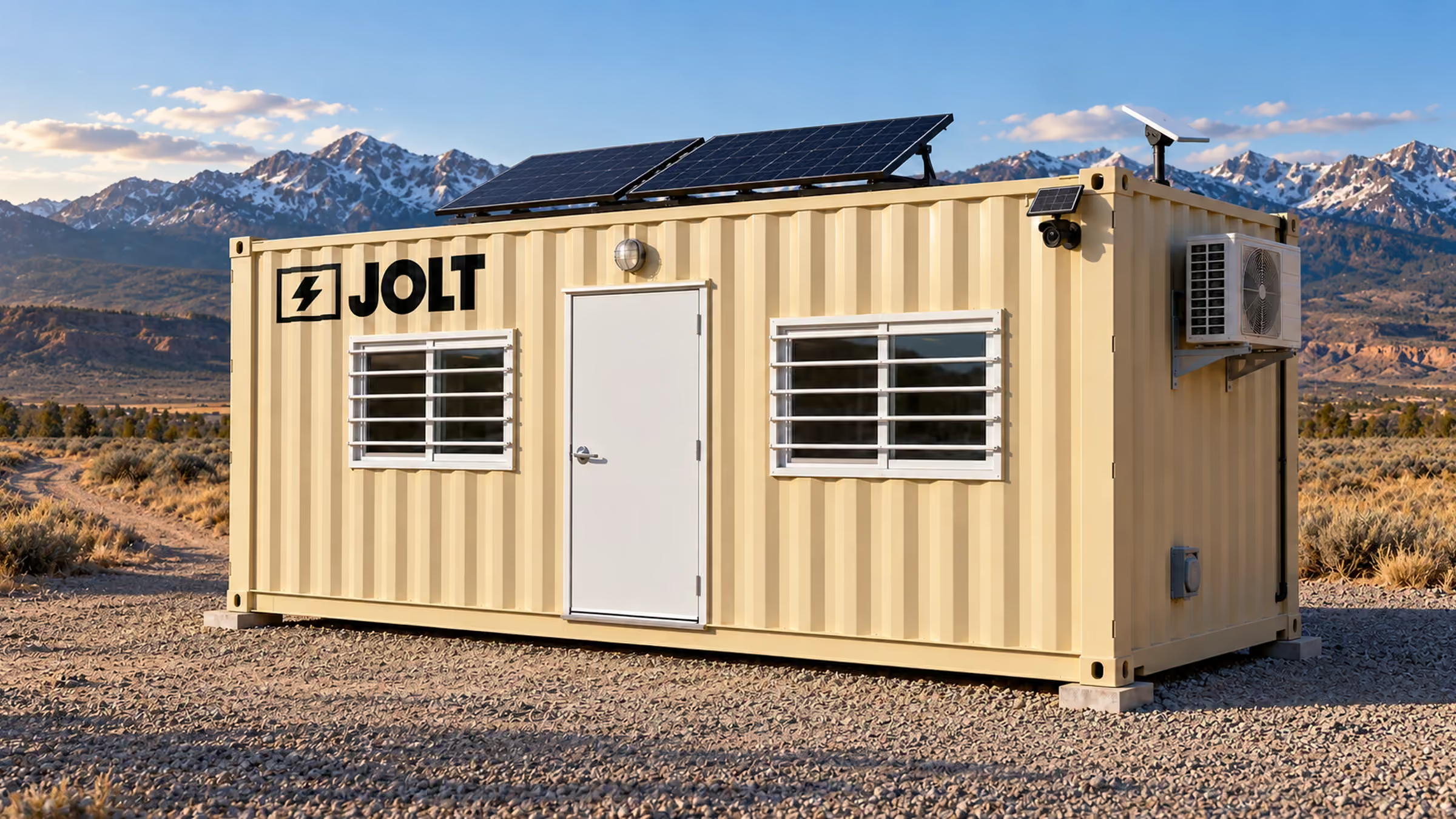
Upgrades that stack
JOLT Upgrades: eyes, internet, power and comfort — on any container
Add a camera, Starlink, solar power or a ready-to-work interior where those systems are not already included.
from $125/mo
Bills monthly with the rent. The JOLT Pack is $699/mo.
- WATCH
- $129/mo
- CONNECT
- $259/mo
- POWER
- $399/mo
- READY
- $125/mo
Key facts
- WATCH rents for $129 per month on top of the unit rent as of .
- The damage waiver is 12% of monthly rent plus recurring upgrades as of .
- The environmental fee is 5% of monthly rent plus recurring upgrades as of .
- The annual rate escalator is 5% on each anniversary of delivery as of .
- The second camera rents for $60 per month on top of the unit rent as of .
Cite this page: "JOLT Upgrades: eyes, internet, power and comfort — on any container." JOLT (Jolt Rents), https://joltrents.com/upgrades. Last updated September 12, 2026.
What is a JOLT Upgrade and how does it bill?
A JOLT Upgrade starts at $129/mo and adds a working system to a compatible rented office or storage container. Pick one at reservation, add one at delivery or add one in a later month; it bills monthly with the unit and does not require a new contract.
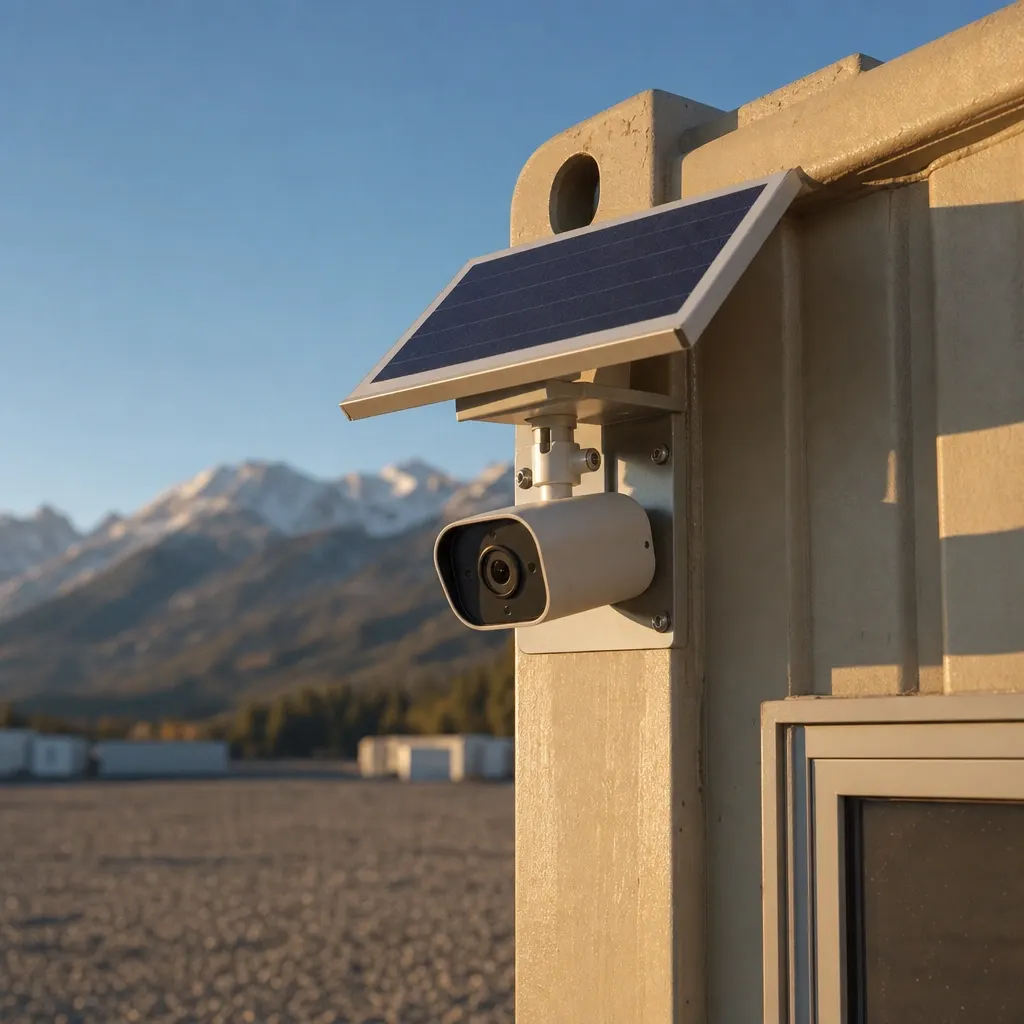
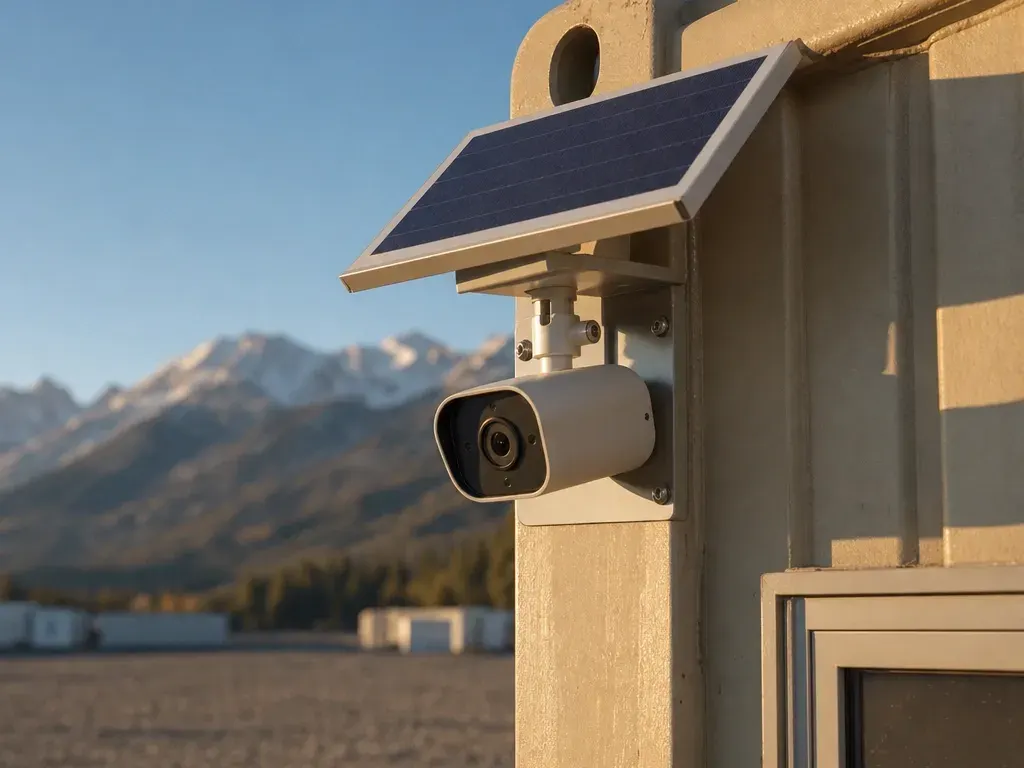
WATCH $129/mo
- Solar LTE panoramic camera on the unit
- Motion alerts
- Cloud clips
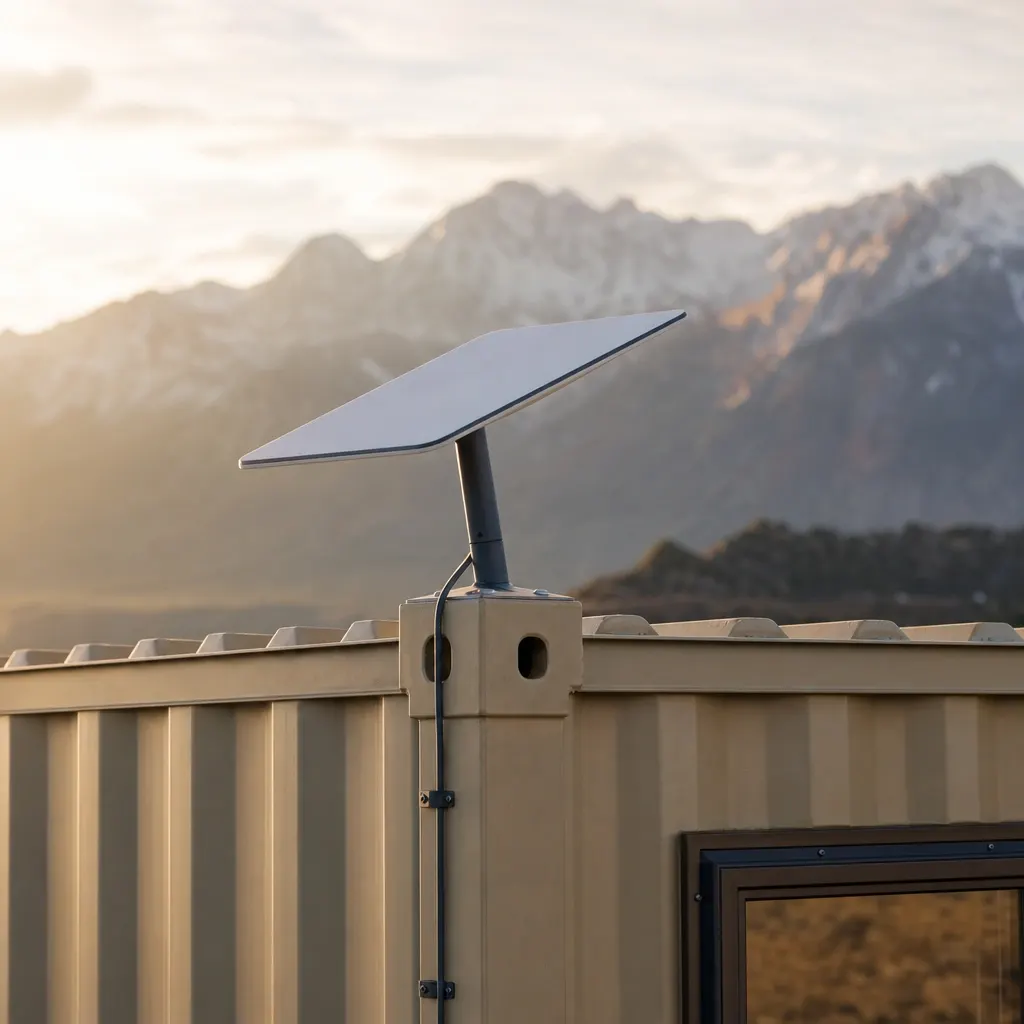
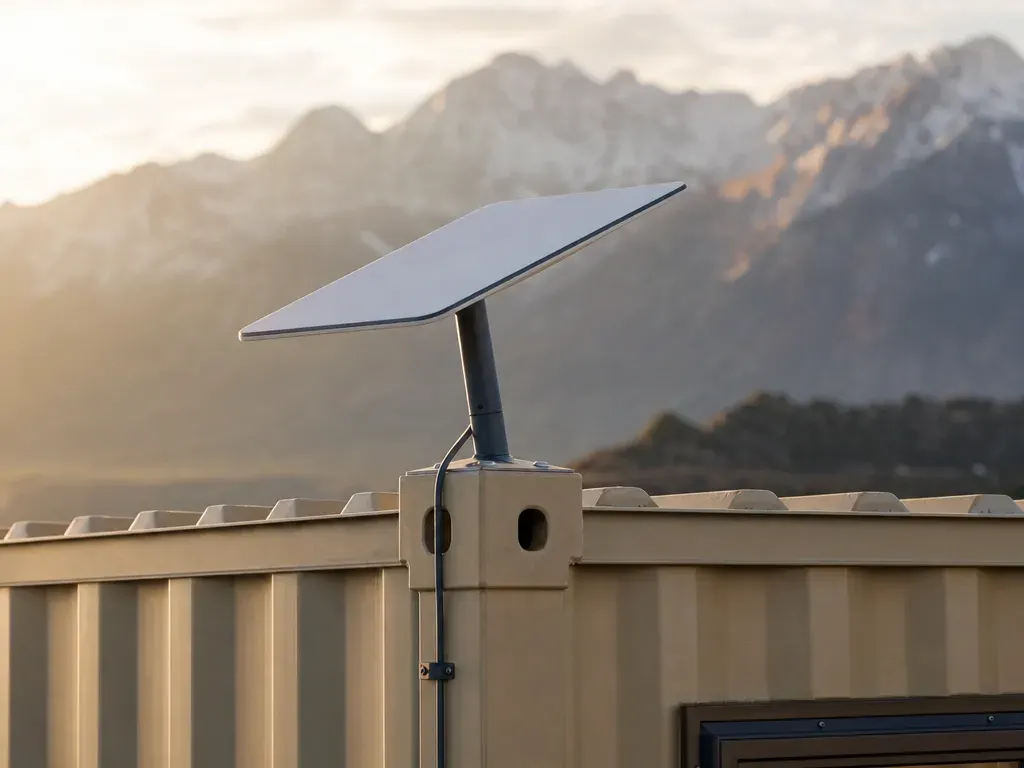
CONNECT $259/mo
- Starlink Mini + router
- 50 GB Roam
- Unlimited Starlink add-on — no data cap
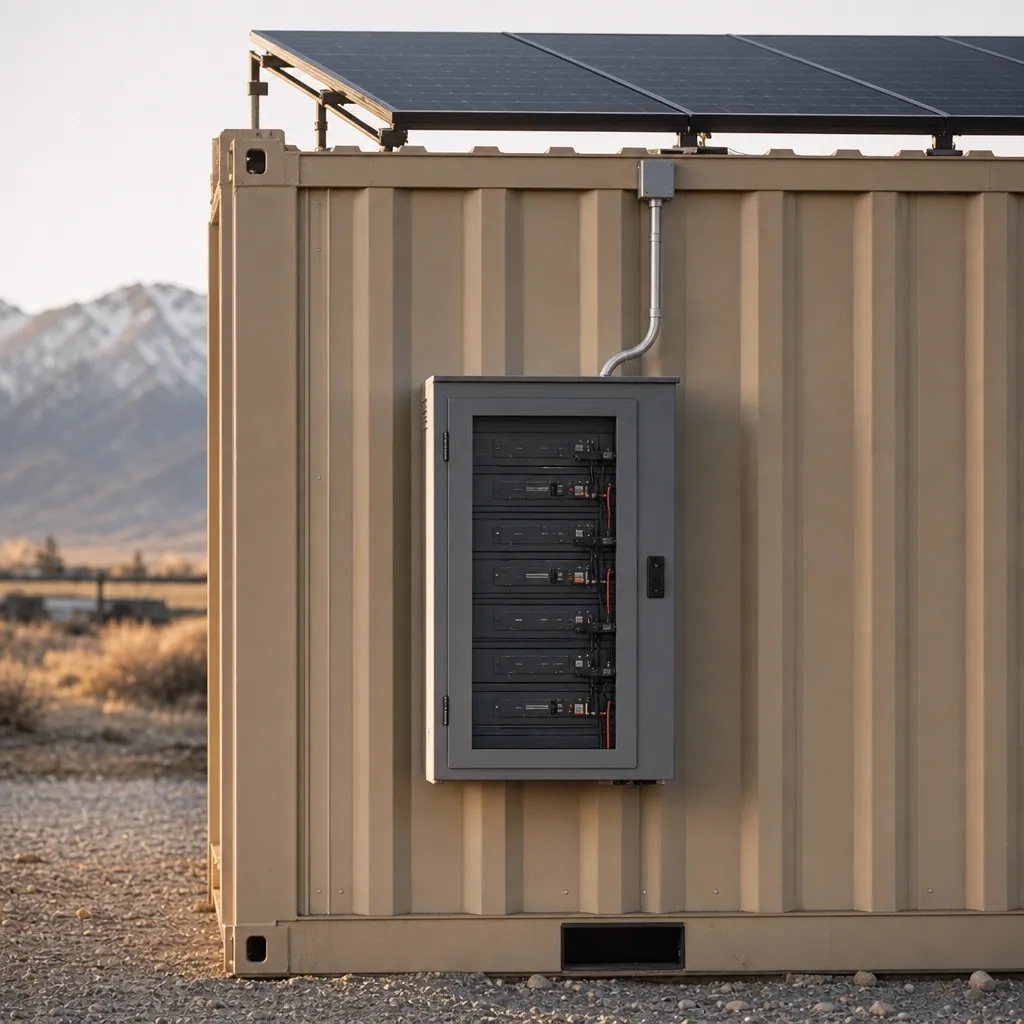
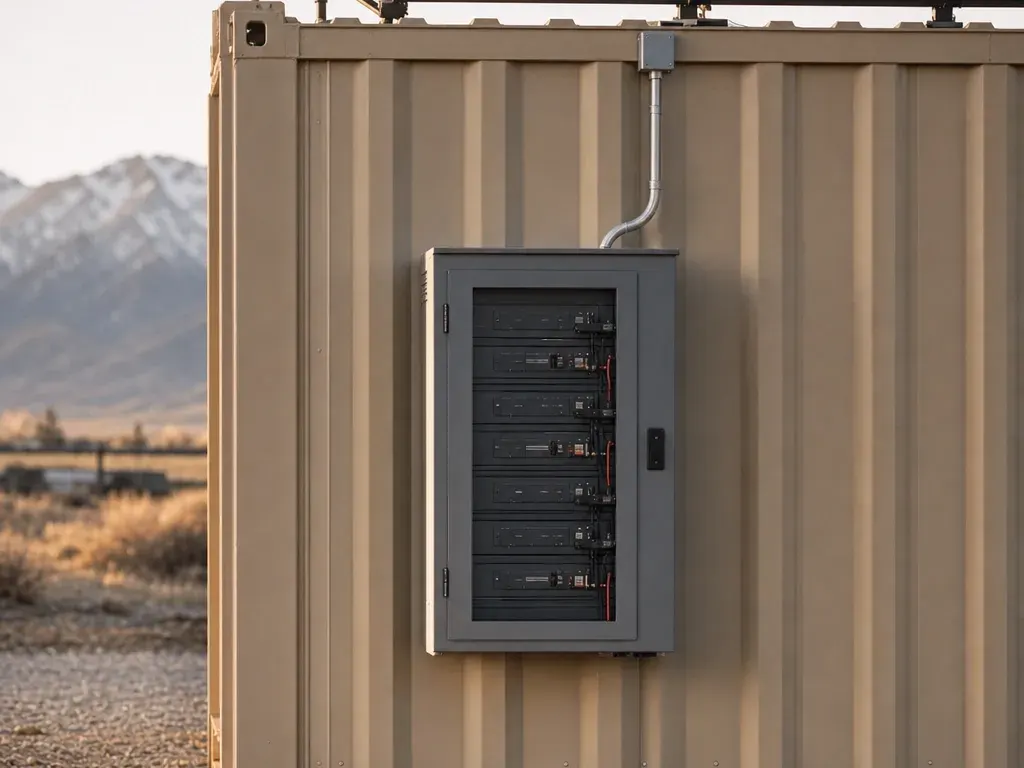
POWER $399/mo
- 2×400 W panels + 3 kWh LFP + inverter
- Runs Starlink, camera, lights, laptops
- Included on Grid-Free and Alpine
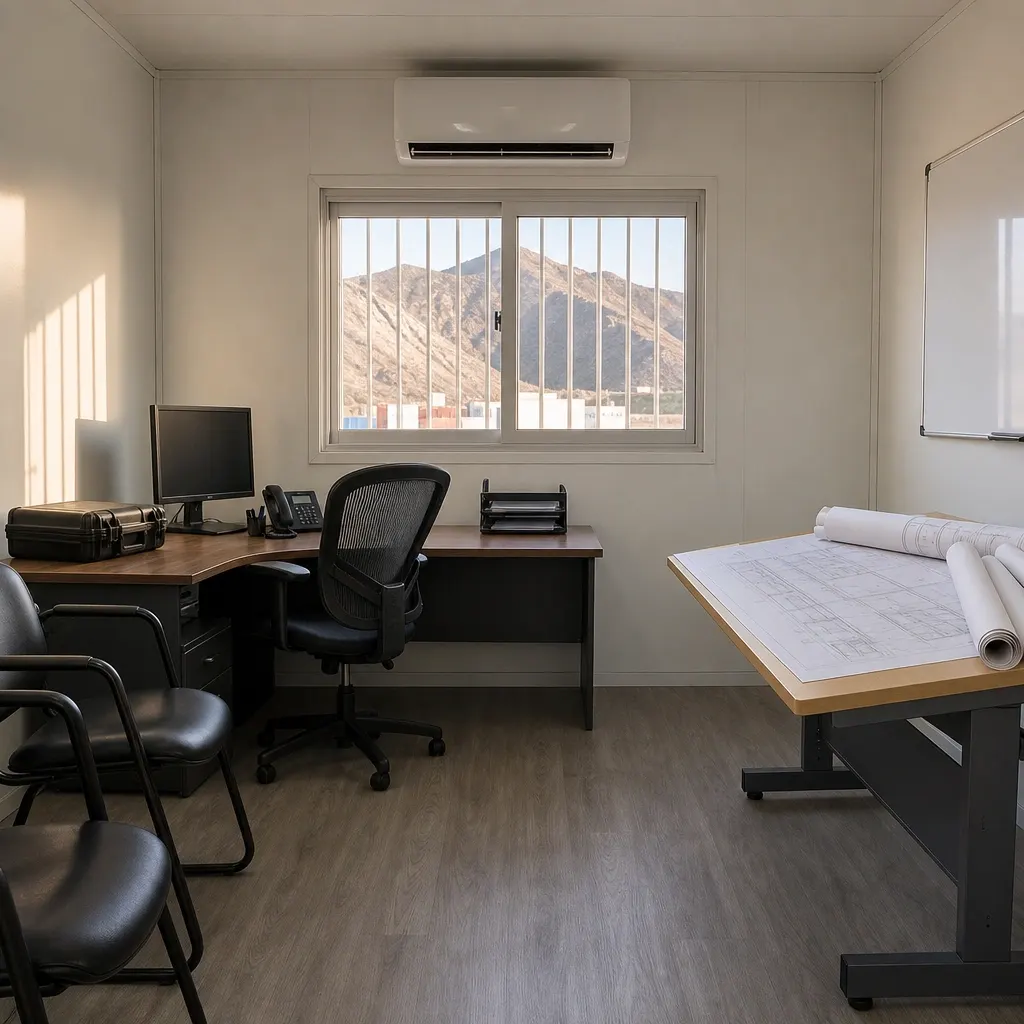
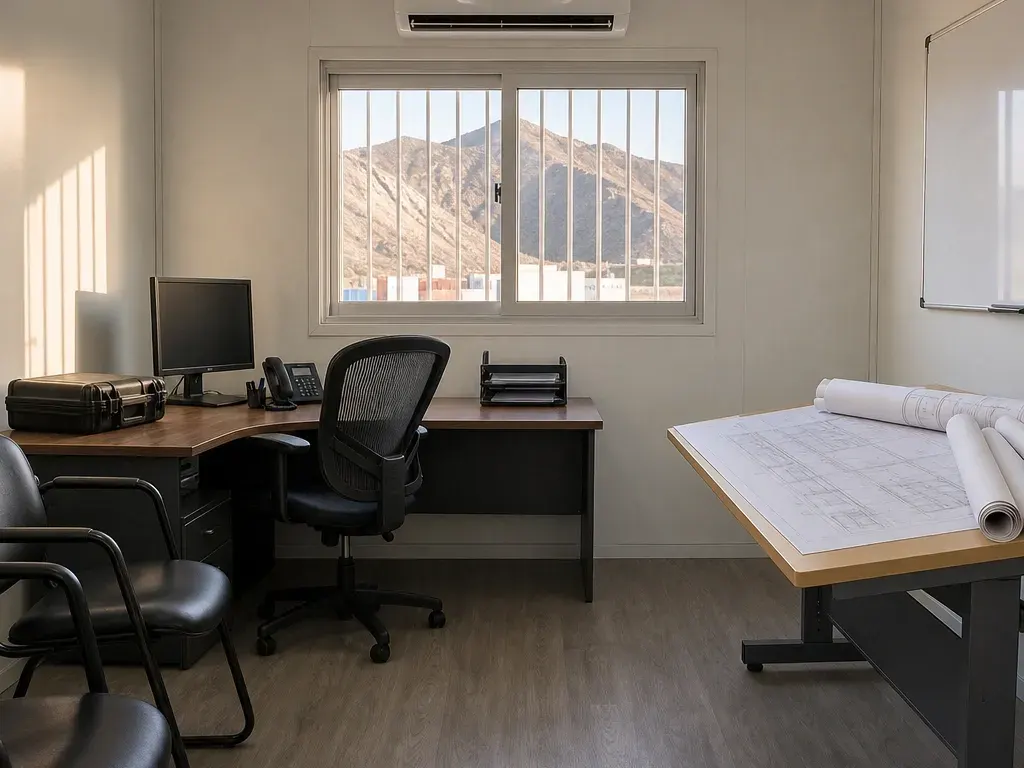
READY $125/mo
- Plan table, 2 chairs, whiteboard
- Mini-fridge, microwave
- 1,500 W heater
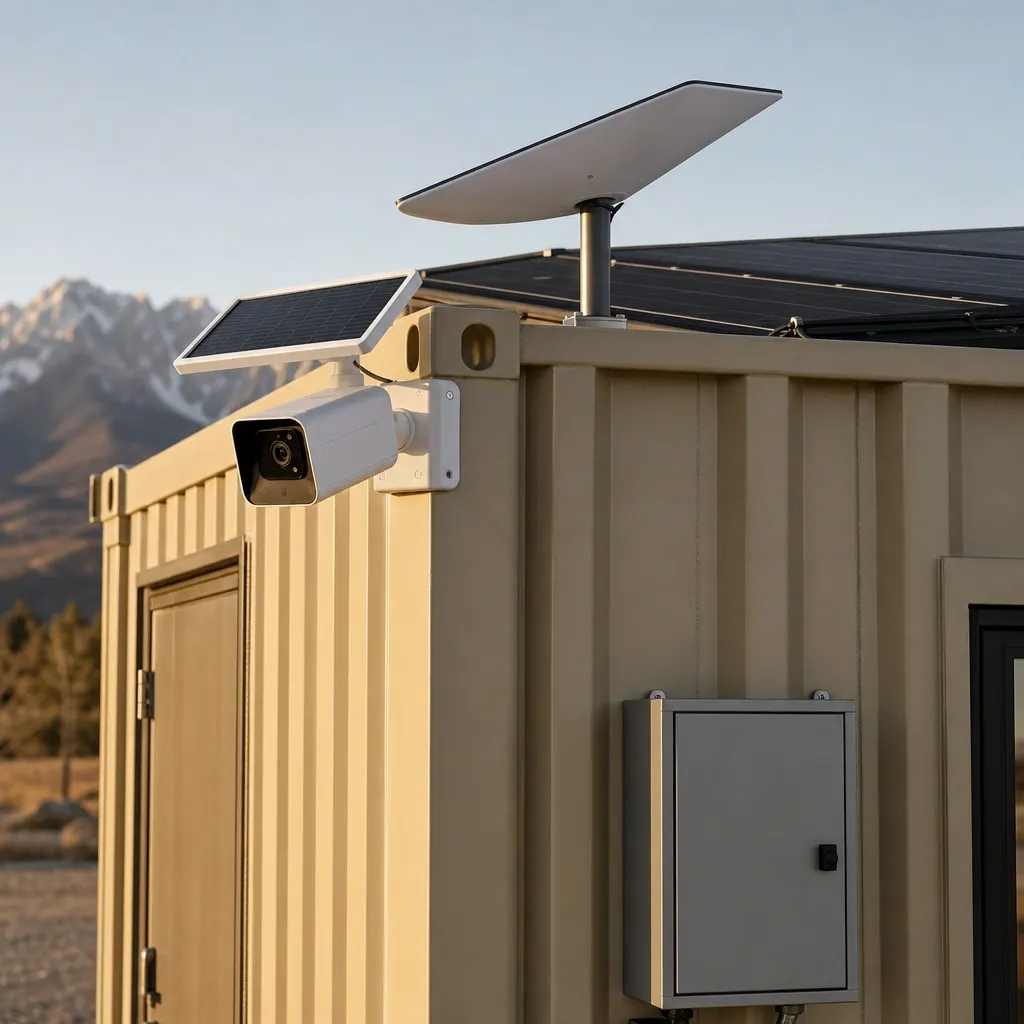
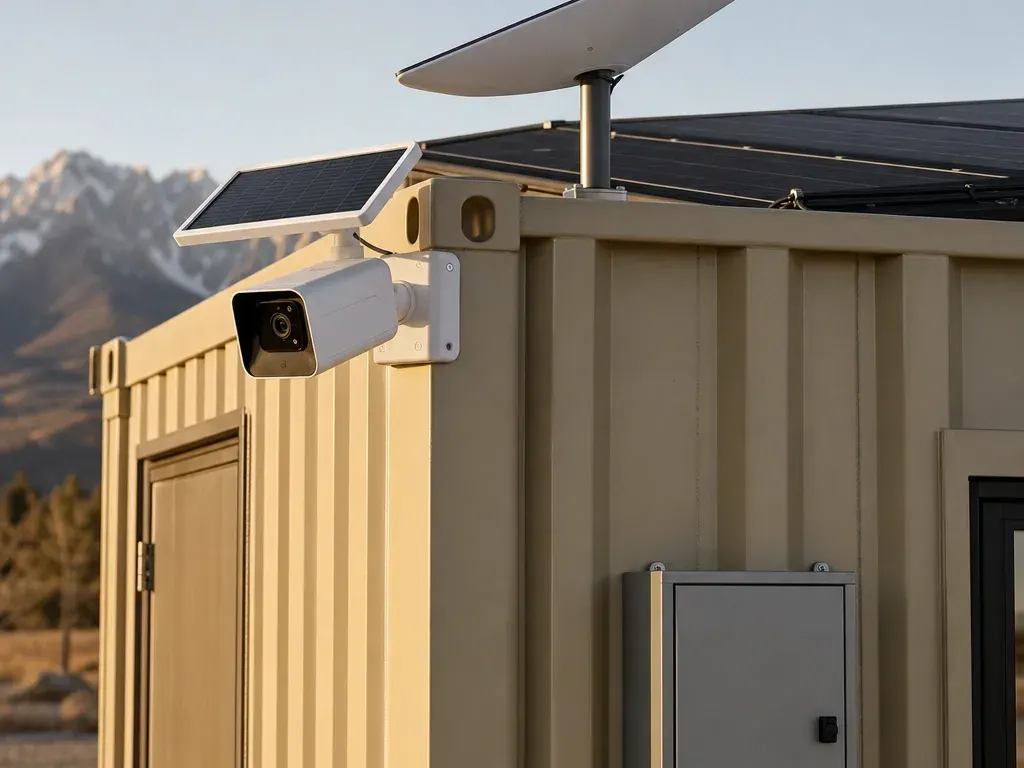
JOLT PACK $699/mo
- WATCH — Your site has eyes
- CONNECT — Starlink on the box
- POWER — Solar and battery, no generator


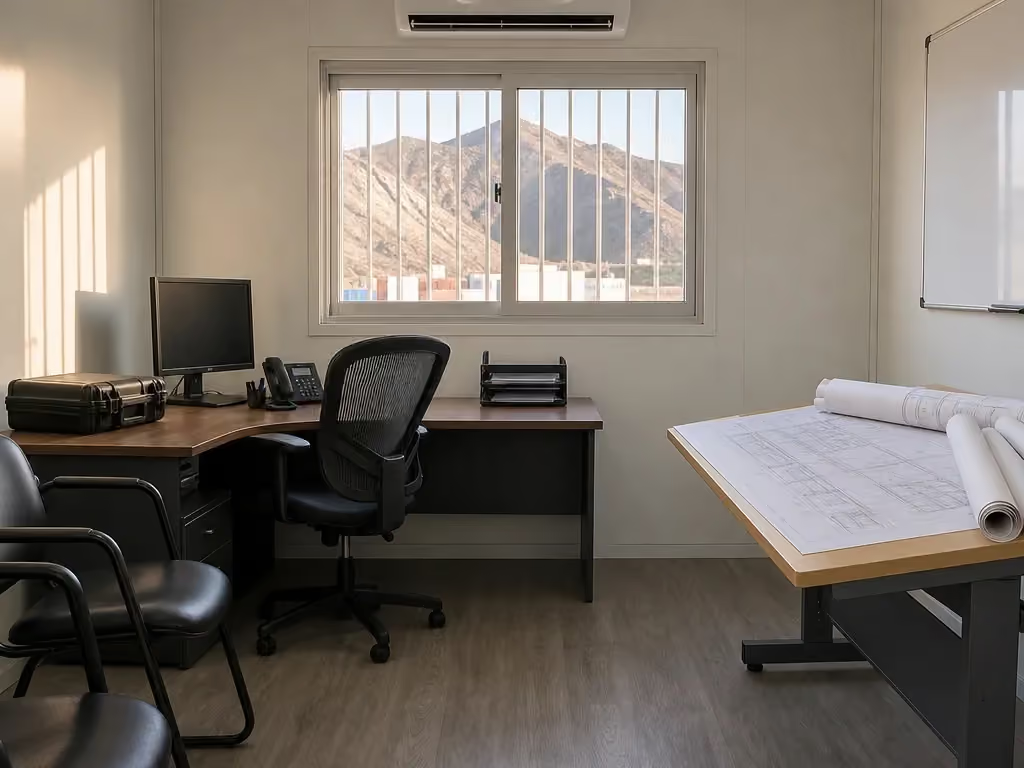


Upgrades stack on any office or storage container and bill monthly with the rent.
The four individual packages solve four different field problems. WATCH puts a cellular camera on the container. CONNECT puts Starlink on the roof and a router inside. POWER adds solar generation, a battery and an inverter for light electrical loads. READY puts the basic work surface, seating, appliances and backup heat inside. The JOLT Pack combines WATCH, CONNECT and POWER on one recurring line.
These are rented kits, not permanent alterations you need to source, install and later remove. We fit them at our yard on I-70 in Gypsum before the delivery truck rolls. The mounting hardware stays with JOLT. When the rental ends, the kits come back with the container. That keeps procurement, separate service bills and loose job boxes off your closeout list.
JOLT built these packages around three problems that show up on every active site: theft is the top jobsite loss, internet is broken on most sites, and a temporary-power hookup can take two to eight weeks. You can address one problem or stack the packages; the right selection depends on what the crew must do, what utility service exists and how much of the site you need to see.
Every published upgrade figure is before tax. The damage waiver is 12% of rent plus recurring upgrades, and the environmental fee is 5% of that same base without compounding on the waiver. Those recurring lines, the unit rent and your selected upgrades appear on the same monthly invoice. See all published rates before reserving, then use how it works to check the delivery sequence and site requirements.
Upgrades do not replace the container rent, delivery charge or reservation deposit. They are separate recurring lines attached to a rented unit. Rent begins on delivery, and recurring upgrades begin with that unit rather than while it waits in the yard. Sales tax is calculated from the job address at checkout. For long rentals, rates rise 5% on each anniversary of delivery.
What does WATCH include?
WATCH costs $129/mo and mounts a solar LTE panoramic camera on the unit's corner. It provides motion alerts, cloud clips and night vision. The camera carries its own SIM, so it does not need the office WiFi or the CONNECT router to send footage over the cellular network.
The corner position gives the camera an elevated view from the container rather than adding a separate pole in the work area. Use it to watch the side of the unit and the part of the site within that view. It is not a substitute for locks, access control or a site security plan. It is another set of eyes when nobody is standing at the box.
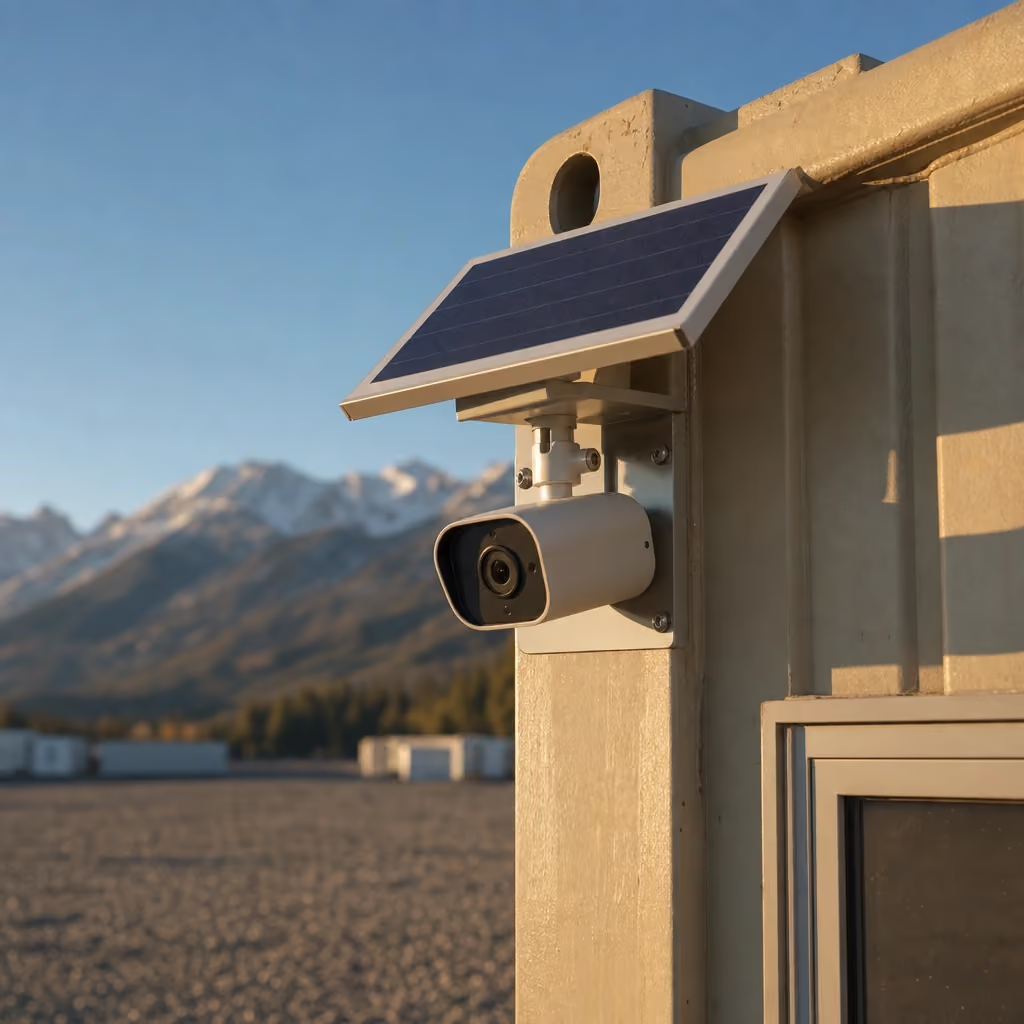
Placement matters. Tell us which side holds the gate, laydown area, fuel or primary approach before the kit is fitted. A panoramic view can cover a broad scene, but a container, stockpile, machine or change in grade can still block a line of sight. The construction camera answer explains how to think through cellular coverage, mounting position and the area you actually need recorded.
A second WATCH camera is $60/mo and requires WATCH or the JOLT Pack. It is useful when one camera cannot see around both ends of a container or when the gate and material area sit in opposite directions. The second camera is an add-on, not a separate base package, and it follows the same monthly billing cycle as the first.
WATCH is independent of CONNECT, but both depend on outside networks for their remote features. The camera needs LTE service to send alerts and cloud clips. Solar charging also depends on exposure and weather. Discuss deep shade, an enclosed placement or weak cellular coverage before delivery so the equipment choice matches the site instead of becoming a surprise after the truck leaves.
On a storage box, WATCH adds visibility without turning the container into an office. On a Base or 40 ft office, it can stand alone or pair with CONNECT and POWER. It is already included in the Grid-Free and Alpine 20 ft offices, so do not add a duplicate base WATCH line to those tiers. Add the second camera only when the additional angle earns its place.
What does CONNECT include?
CONNECT costs $259/mo and includes a Starlink Mini on the container roof, a router inside and a 50 GB Roam plan. The purpose is simple: the office can have internet when it lands, without waiting for a wired provider to build service to a temporary address.
The roof mount keeps the satellite terminal with the rented unit and feeds the router inside. Your crew can connect laptops and phones from the office rather than managing a loose dish, a separate mounting plan and a router bought for one project. CONNECT can run with shore power, with a suitable site power source or as one of the loads supported by POWER.
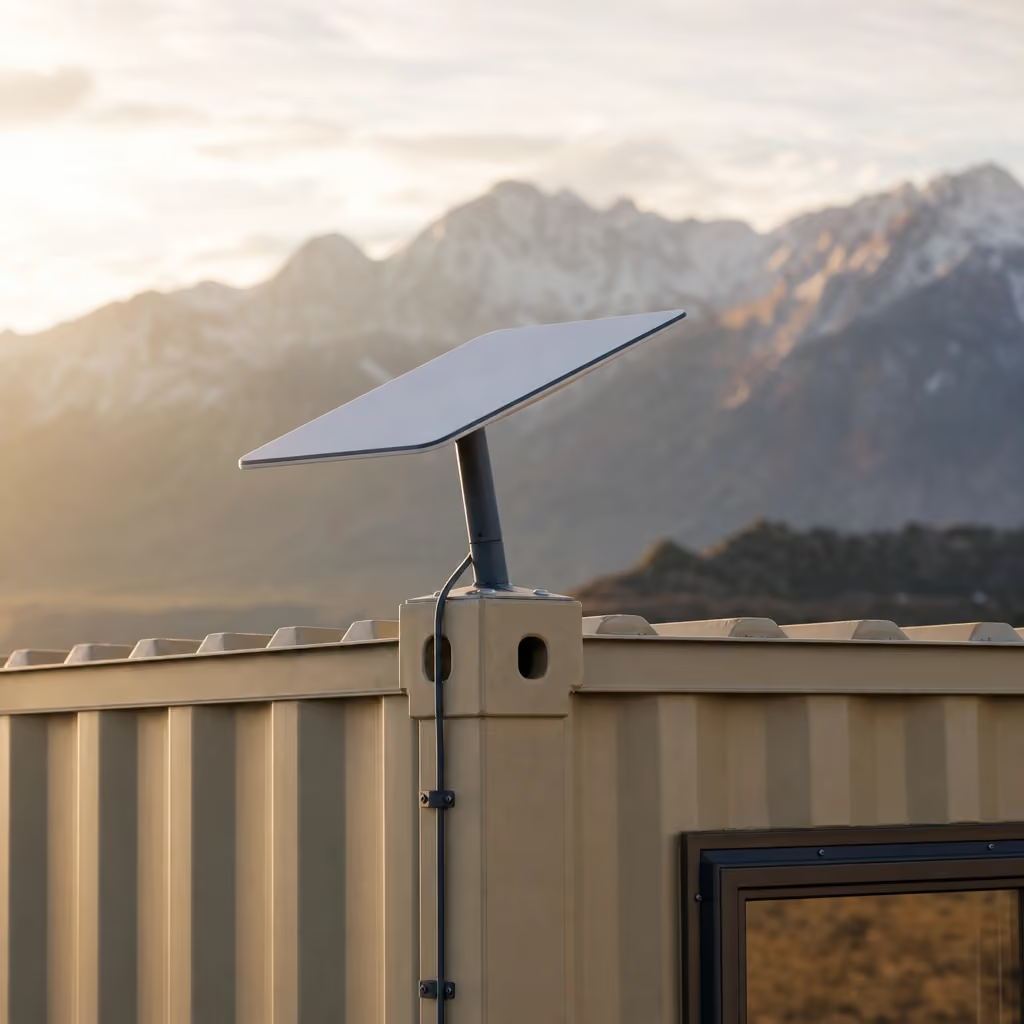
The included plan carries 50 GB of Roam data. That is a defined allowance, not a claim that every crew or workflow will fit inside it. Review what the team does online. Email, cloud plans and ordinary coordination are different from sustained video transfer, large model downloads or many people streaming at once. The jobsite Starlink cost answer gives a direct way to compare those uses before selecting the plan.
Unlimited Starlink adds $75/mo and requires CONNECT or the JOLT Pack. Add it when the expected data use is beyond the included plan rather than waiting for a busy month to expose the mismatch. On the Grid-Free and Alpine offices, CONNECT is already built in and unlimited service remains an available add-on.
CONNECT is not a promise that every mountain placement has the same signal. Satellite service depends on the third-party network, a usable view of the sky, weather and available power. Trees, a high wall, a cut bank or another structure can obstruct the terminal. If the planned container position has a limited sky view, raise it during reservation and use the mountain delivery guide to review the placement as a whole.
If the site already has reliable service at the office location, skip CONNECT. If service is the missing link for plans, email and coordination, the package replaces a procurement task with one recurring line.
What does POWER include, and what does it not run?
POWER costs $399/mo and includes two 400 W solar panels on a roof rack, a 3 kWh LFP battery and an inverter. It is sized for Starlink, the WATCH camera, LED lights, laptops and phones for about two days with no sun. It does not run the office mini-split.
That last sentence is the selection line. POWER handles communications, visibility and small office electronics. Heating and cooling are a much larger load, and a POWER kit will not carry a mini-split through a sunny afternoon or a cold night.
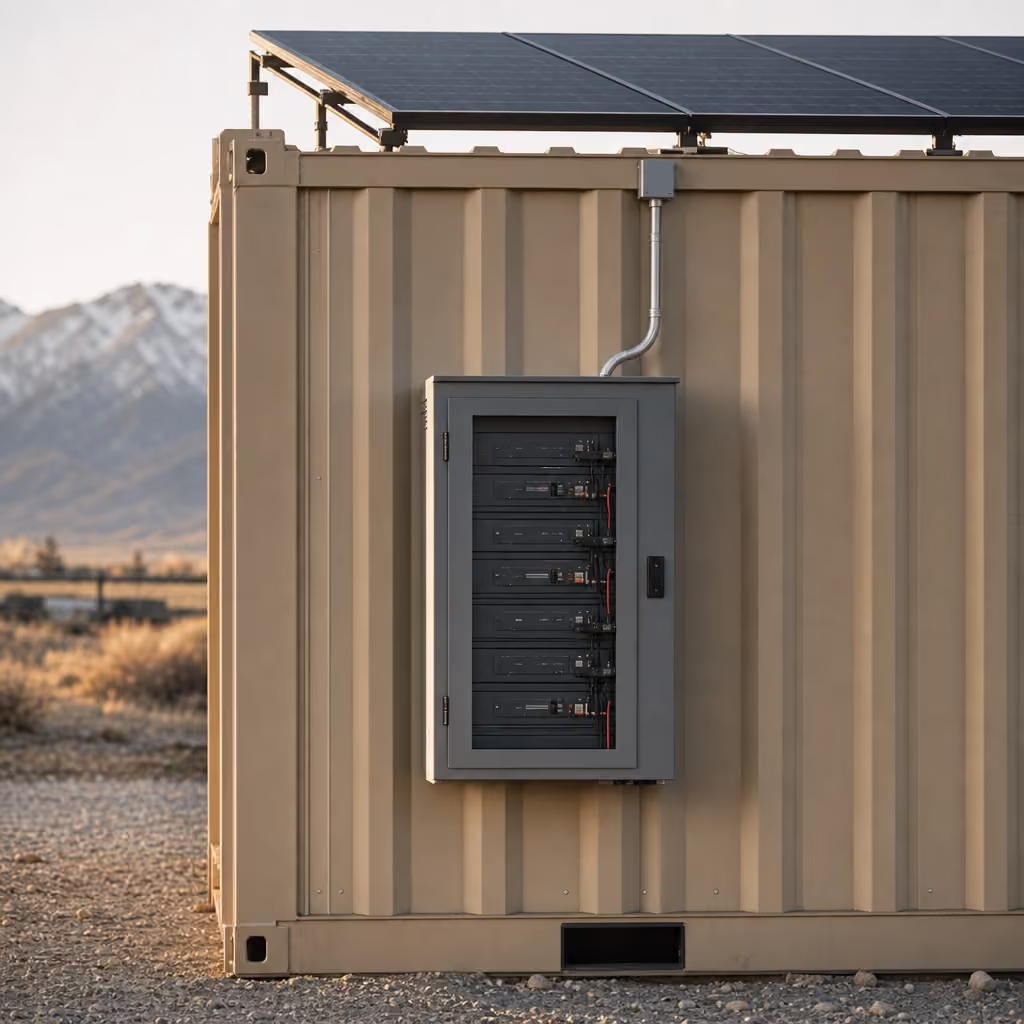
For the system behind that distinction, read the solar and battery guide. It separates energy storage from instantaneous load and explains why weather, shading and how the crew uses equipment matter. The off-grid office power answer also gives a shorter choice between shore power, the POWER kit and purpose-built Grid-Free and Alpine offices.
Choose the Grid-Free or Alpine office when the mini-split must operate without shore power. Both tiers have WATCH, CONNECT and POWER built in, plus a 10 kWh battery that runs the mini-split. The larger battery and integrated systems are why neither is simply a Base office with the standard POWER package attached.
POWER can still be the right answer on a Base, 40 ft bathroom office or storage container. A storage unit with WATCH may need enough electrical support for the camera and other listed light loads. A Base office waiting on temporary power may need internet, lights and charged laptops without trying to run HVAC. The key is to list the loads rather than saying the site needs "solar."
Temporary-power hookups can take two to eight weeks. POWER gives the listed low-draw systems another path during that interval, but it does not change the site's electrical scope and it does not become utility service. If a tool, appliance or added device is not in the supported-load list, ask before treating it as part of the battery plan.
Solar production depends on weather, shade, snow cover, season and panel exposure, and battery duration depends on what is plugged in and how long each load runs. Two days with no sun assumes the listed equipment; add loads and the number shrinks.
What does READY include?
READY costs $125/mo and includes a folding plan table, two chairs, a whiteboard wall, a mini-fridge, a microwave and a 1,500 W backup wall heater with a thermostat. It turns delivered floor space into a basic place to review plans, coordinate work, store lunch and sit down on the first day.
READY is the comfort and work-surface package. It does not add internet, a camera or solar generation. Those functions belong to CONNECT, WATCH and POWER. Keeping those lines separate lets a crew with utility power and existing internet order furniture without paying for systems it will not use.
The folding plan table and two chairs set a clear capacity for the included furniture. The whiteboard wall gives the crew a standing coordination surface. The mini-fridge and microwave cover basic food storage and heating. The backup wall heater has a thermostat and is rated at 1,500 W, but it still needs an appropriate power source.
The heater backs up the mini-split on a cold night; it does not replace it, and Alpine carries its own backup heat as part of the tier. Select the office envelope and power arrangement first, then add READY for the interior.
READY fits every office and every storage container in the catalog. In a storage container it makes sense for a tool crib that doubles as a foreman's desk, and not for a box used only for bulk material.
Because the kit is rented, you do not need to find a table, move appliances to the site and decide where they go when the project ends. The equipment arrives in the unit and leaves with it. Keep the interior accessible and return the included pieces with the container. See section 13 of the Rental Agreement Terms for the terms that govern upgrades.
When does the JOLT Pack make sense?
The JOLT Pack costs $699/mo and replaces three separate lines: WATCH, CONNECT and POWER. It makes sense when one office or storage container needs all three systems. The package saves $88 per month against taking those three upgrades separately.
The Pack gives the unit a cellular panoramic camera, Starlink Mini and router with 50 GB Roam, and the standard solar-battery system for the listed light loads. It does not include READY. It does not enlarge the POWER battery. It does not turn a Base office into the Grid-Free tier or make the standard kit capable of running a mini-split.
Start with requirements, not package arithmetic. If the site needs only internet, choose CONNECT. If it needs only a camera, choose WATCH. If the crew has reliable utility power but needs internet and furniture, CONNECT plus READY is the more direct selection. The Pack earns its place only when eyes, internet and light-duty power all belong on the same unit.
The second camera and unlimited Starlink remain separate add-ons. A second camera costs $60/mo and requires WATCH or the Pack. Unlimited Starlink costs $75/mo and requires CONNECT or the Pack. Those dependencies prevent an add-on from being ordered without the system it extends.
Grid-Free and Alpine already include the three Pack components. Do not add the JOLT Pack to those tiers. Add READY if the crew needs the furniture package, a second camera if the site needs another angle, or unlimited Starlink if the included 50 GB plan does not fit the expected use. The comparison below makes the same distinction by unit.
The Pack can be added to a storage container, which works for a tool crib where remote visibility, connectivity and low-draw electrical support all matter. It does not turn a storage box into an office; choose the underlying unit for its layout first.
Which units take which upgrades?
Base and 40 ft offices and every storage container accept the four individual packages or the JOLT Pack. Grid-Free and Alpine already contain WATCH, CONNECT and POWER; READY, a second camera and unlimited Starlink remain available. Temporary fence, light towers, ground heaters, traffic control and hand-wash stations take none of these container-mounted packages.


The 20 ft Base office is the clean starting point. It has shore-power equipment, lights, outlets, heat and cooling, but no upgrade is included. Add only the systems the project lacks. The 40 ft office with bathroom follows the same add-on pattern; Alpine follows Grid-Free.
Grid-Free and Alpine are different because they operate away from shore power. WATCH, CONNECT and POWER are built in, and their 10 kWh batteries run the mini-split. READY can still be added. So can the supported second-camera and unlimited-data options. Treat the included systems as part of each tier, not as three removable choices on the order.
All four storage sizes accept upgrades: 10 ft storage, 12 ft storage, 20 ft storage and 40 ft storage. Think about access and intended use. The package adds equipment to the rented box; it does not change the dimensions, door arrangement or minimum term of that SKU.
Fence and equipment take no upgrades. If the broader site needs a camera or internet, attach it to an office or storage container on the same reservation.
BRAND is the separate one-time option. For $450, we apply your removable 24 x 48 inch vinyl logo to two sides in the yard, while a small JOLT mark remains on the end wall. It can sit alongside recurring upgrades without becoming one of them. See logo branding for placement and ordering details.
How do upgrades get installed, added mid-rental and returned?
Upgrade kits bolt on at the Gypsum yard before delivery, can be added during a rental, and come off when the container is picked up. JOLT retains ownership of the hardware throughout. You rent the service and installed kit for the months you need it; you do not take title to the panels, battery, camera, satellite equipment, router, furniture or appliances.
At reservation, select the unit first and then the upgrades. That order matters because Grid-Free and Alpine already include three systems and fence or equipment accepts none. Tell us where the camera should look, whether the satellite terminal has a clear sky view, what POWER must support and whether READY belongs inside. We fit the selected kits before the truck leaves.
If the need appears later, call 970-279-1015 or email reserve@joltrents.com. You can add an upgrade at delivery or in any later month without a new contract. We coordinate access and installation rather than shipping a loose kit for the crew to improvise. The new recurring item joins the same invoice as the unit.
At delivery, verify the container position supports the equipment. WATCH needs cellular service for remote features. CONNECT needs a useful view of the sky, third-party satellite service and power. POWER needs solar exposure, and its output changes with sky conditions, weather, shade and the connected loads.
The site also has to meet the delivery requirements for the underlying container: a firm, level, well-drained surface; straight-line truck access; overhead clearance; marked utilities; required permits and consents; and a representative present. Review delivery and site terms and the jobsite setup checklist before the scheduled window.
During the rental, keep rented hardware with the unit and use it for its stated purpose. Satellite and cellular service depend on third-party networks, sky view, weather and power; section 13 of the Rental Agreement Terms governs upgrade service, access, limitations and return.
At pickup, leave the installed kits on the unit and make the site accessible for our truck. We remove the upgrade hardware from the container after it returns to the yard. There is no separate box to pack and no second vendor pickup to arrange. If the container must move elsewhere on the same active site before final pickup, use the published on-site relocation process rather than moving it yourself.
The result is a direct closeout: the container, its rented upgrades and the mounting hardware leave together, and upgrade billing ends with the rental. For unit choice, delivery zone and every recurring rate in one place, return to pricing or start a reservation with the actual job ZIP.
Questions contractors ask
Can I put JOLT Upgrades on a storage container?
Yes. Base and 40 ft offices and every storage container can take WATCH, CONNECT, POWER, READY or the JOLT Pack. Alpine and Grid-Free already include WATCH, CONNECT and POWER; READY, a second camera and unlimited Starlink remain available.
Does POWER run the office mini-split?
No. POWER supports Starlink, the camera, LED lights, laptops and phones, but it does not run the mini-split. Choose the Grid-Free or Alpine office when the mini-split must run without shore power.
Is Starlink included with CONNECT?
Yes. CONNECT includes a roof-mounted Starlink Mini, an indoor router and a 50 GB Roam plan. An unlimited data add-on is available when the job needs more capacity.
Can I add an upgrade after delivery?
Yes. You can add an upgrade at reservation, at delivery or during any later rental month without signing a new contract. We coordinate the physical installation and add the recurring line to the rental invoice.
Does the Grid-Free office need the JOLT Pack?
No. WATCH, CONNECT and POWER are already built into the Grid-Free office, along with a larger battery that runs its mini-split. READY, a second camera and unlimited Starlink remain available additions.
Who owns the upgrade hardware?
JOLT owns the camera, satellite equipment, solar equipment, battery, furniture and other rented upgrade hardware. The kits come off the unit at pickup and return to JOLT.
Will WATCH and CONNECT work at every site?
Cellular and satellite service depend on third-party networks, sky view, weather and available power. Review the site before delivery and tell JOLT about obstructions or unusual conditions.
Can my company logo go on an upgraded unit?
Yes. BRAND is a separate one-time option that applies a removable customer logo to two sides in the yard. A small JOLT mark remains on the end wall.
Keep reading
- JOLTPrices. All of them.
- RentGrid-Free: drop it anywhere. It runs itself.
- GuideRun the field office before utility power reaches the site.
- JOLTReserve it. We deliver it. You work.
- UpgradeThe JOLT Pack: eyes, internet, power. Save $88.
- UpgradeWATCH: your site has eyes
- AnswerThe security camera that actually works on a jobsite with no power or WiFi
- SolutionRentals for off-grid & remote
Reserve it today.
Rentals from $85/mo · every price published
A deposit holds your delivery window. Cancel free of charge more than 14 days before the first day of the window. Deposits from $85 are applied to your first invoice.